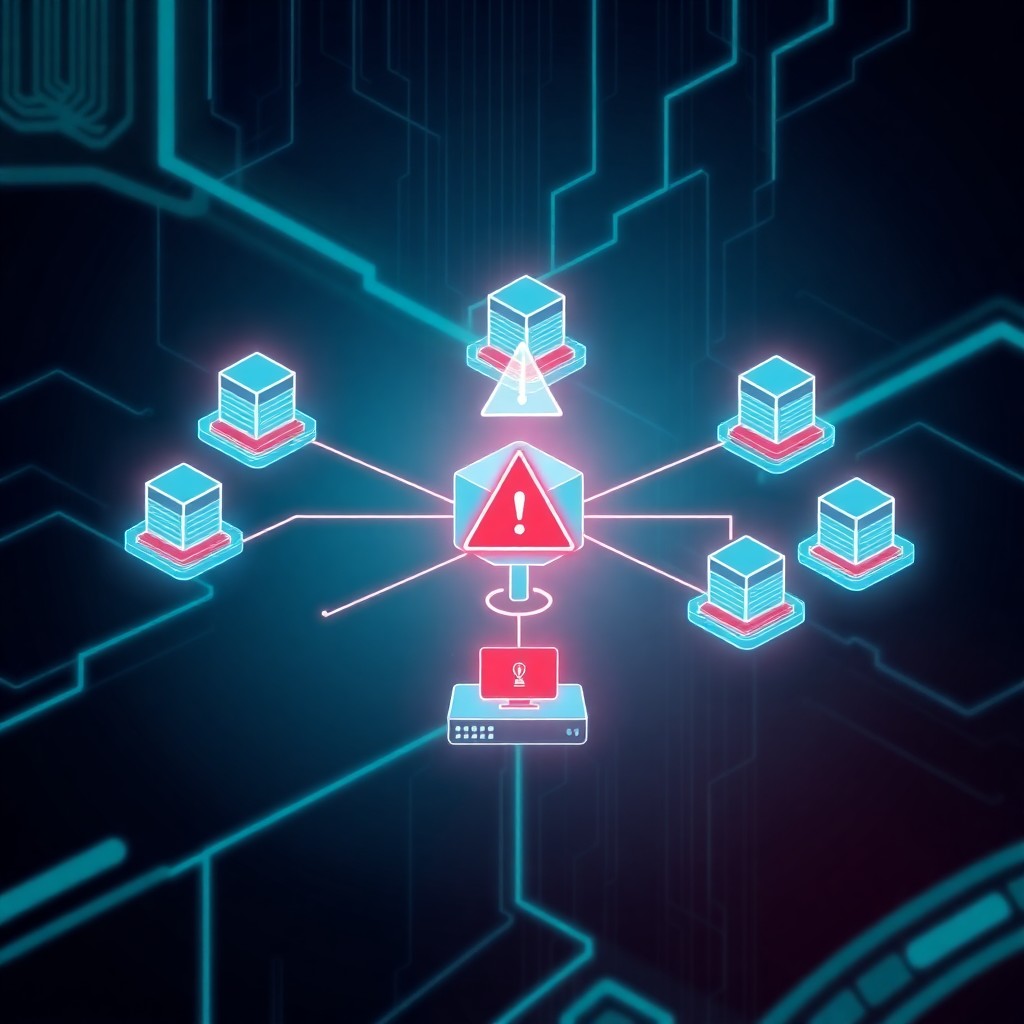




Fortinet has disclosed a critical vulnerability in FortiSandbox (CVE-2024-36509) that allows unauthenticated attackers to execute arbitrary commands remotely. The flaw affects FortiSandbox versions 4.4.0 through 4.4.4 and 4.2.0 through 4.2.6, carrying a CVSS score of 9.6. Organizations using affected versions should immediately upgrade to patched releases to prevent potential compromise. This vulnerability poses significant risk to security infrastructure, as FortiSandbox is commonly deployed for malware analysis in enterprise environments.
Introduction
Fortinet’s FortiSandbox, a widely deployed advanced threat protection solution, has been found vulnerable to a critical security flaw that could allow remote attackers to execute unauthorized commands without authentication. The vulnerability, tracked as CVE-2024-36509, represents a severe threat to organizations relying on this sandboxing technology for malware detection and analysis.
The flaw’s critical severity stems from its potential for unauthenticated remote code execution, making it an attractive target for threat actors seeking to compromise security infrastructure. Given FortiSandbox’s role in analyzing potentially malicious files and URLs, a successful exploit could grant attackers visibility into security operations or allow them to manipulate detection capabilities.
This disclosure adds to a growing list of vulnerabilities affecting Fortinet products over recent years, underscoring the importance of maintaining up-to-date security infrastructure even within security appliances themselves.
Background & Context
FortiSandbox serves as an advanced threat detection system that executes suspicious files and URLs in an isolated environment to identify malicious behavior. Organizations integrate FortiSandbox into their security architecture to enhance protection against zero-day threats, targeted attacks, and advanced persistent threats (APTs).
The appliance typically sits within the security stack, receiving files from email gateways, web proxies, and network security devices for dynamic analysis. Its strategic position makes it a high-value target—compromising a FortiSandbox instance could allow attackers to:
- Understand detection capabilities and evade them
- Manipulate analysis results to allow malware through
- Pivot to other network segments
- Exfiltrate sensitive security intelligence
Fortinet initially disclosed this vulnerability in their PSIRT advisory PSIRT-24-263, identifying it as an improper neutralization of special elements issue. The vulnerability affects multiple version branches, indicating a potentially long-standing code defect that has existed across several release cycles.
Technical Breakdown
CVE-2024-36509 is classified as an improper neutralization of special elements used in a command (CWE-77), commonly known as command injection. This vulnerability class occurs when an application passes untrusted data to a system shell without proper sanitization.
The flaw exists in FortiSandbox’s web interface, specifically in components that process user-supplied input without adequate validation. An attacker can craft malicious HTTP requests containing specially formatted payloads that break out of intended command contexts and execute arbitrary system commands.
Vulnerability Characteristics
Attack Vector: Network-based, requiring no user interaction
Authentication Required: None
Complexity: Low exploitation complexity
Privileges Required: None
User Interaction: None required
CVSS v3.1 Score: 9.6 (Critical)
The vulnerability’s technical nature suggests that certain API endpoints or management interface functions accept parameters that are subsequently used in system command construction. Without proper input sanitization, shell metacharacters or command separators could allow attackers to append additional commands.
Affected Versions
- FortiSandbox 4.4.x: Versions 4.4.0 through 4.4.4
- FortiSandbox 4.2.x: Versions 4.2.0 through 4.2.6
- FortiSandbox 4.0.x: Versions 4.0.0 through 4.0.5
- FortiSandbox 3.2.x: Versions 3.2.0 through 3.2.4
Notably, other branches including 5.0 and later appear unaffected, suggesting code refactoring or security improvements in newer versions.
Impact & Risk Assessment
The critical CVSS score of 9.6 reflects the severe impact this vulnerability poses to affected organizations. Successful exploitation grants attackers complete control over the FortiSandbox appliance with the privileges of the underlying system user.
Immediate Risks
Confidentiality Impact: High—attackers gain access to all malware samples, analysis results, and potentially sensitive security configurations
Integrity Impact: High—attackers can modify system configurations, manipulate analysis results, or install persistent backdoors
Availability Impact: High—attackers could disable the service, disrupting security operations
Strategic Concerns
For organizations depending on FortiSandbox for threat detection, compromise could have cascading effects:
- Blind Spots: Attackers could configure the sandbox to report clean results for their malware
- Intelligence Loss: Access to all submitted samples provides threat actors with visibility into what security teams are investigating
- Lateral Movement: Compromised sandboxes can serve as pivot points into management networks
- Supply Chain Risk: Organizations using FortiSandbox to analyze customer submissions could face downstream impacts
The vulnerability’s unauthenticated nature means it could potentially be exploited by opportunistic attackers scanning for vulnerable instances exposed to the internet, though FortiSandbox deployments typically reside on internal networks.
Vendor Response
Fortinet acknowledged the vulnerability and released patches across all affected product lines. The vendor’s response timeline and patch availability demonstrate appropriate urgency given the severity:
Patched Versions
Organizations should upgrade to the following versions:
- FortiSandbox 5.0.0 or later
- FortiSandbox 4.4.5 or later
- FortiSandbox 4.2.7 or later
- FortiSandbox 4.0.6 or later (if unable to upgrade to newer branches)
- FortiSandbox 3.2.5 or later (for legacy deployments)
Fortinet’s PSIRT advisory includes detailed upgrade instructions and recommends prioritizing systems with internet exposure or those in untrusted network zones. The vendor has not indicated active exploitation in the wild at the time of disclosure, though this status can change rapidly once vulnerability details become public.
Mitigations & Workarounds
While upgrading to patched versions is the only complete remediation, organizations unable to immediately patch can implement temporary risk reduction measures:
Network-Level Controls
# Restrict access to FortiSandbox management interface
# Example firewall rule (adjust for your environment)
iptables -A INPUT -p tcp --dport 443 -s TRUSTED_ADMIN_NETWORK -j ACCEPT
iptables -A INPUT -p tcp --dport 443 -j DROP
Recommended Actions:
- Limit Management Access: Restrict FortiSandbox management interface access to specific administrator IP addresses or jump hosts
- Network Segmentation: Ensure FortiSandbox resides in a dedicated security segment with strict access controls
- VPN Requirements: Mandate VPN access for all administrative connections
- Disable Unnecessary Services: Turn off any unused features or protocols
Monitoring Enhancements
Increase logging verbosity and monitor for:
- Unexpected administrative logins or sessions
- Unusual system command execution patterns
- Configuration changes outside maintenance windows
- Network connections to suspicious external IP addresses
Detection & Monitoring
Security teams should implement detection capabilities to identify potential exploitation attempts or successful compromises:
Indicators of Compromise
Monitor FortiSandbox logs for:
# Suspicious HTTP requests with shell metacharacters
POST /path/to/vulnerable/endpoint
Parameters containing: ; | & $ ` \ ( ) { } [ ] < >

# Unexpected process execution
/bin/sh -c [unexpected commands]
curl or wget to external domains
nc (netcat) execution
Log Analysis
Review FortiSandbox system logs for:
- Abnormal authentication patterns
- Command execution outside normal operational bounds
- File system modifications in system directories
- New scheduled tasks or persistence mechanisms
Network Monitoring
Deploy network-based detection for:
- Outbound connections to known malicious infrastructure
- Reverse shell traffic patterns
- Unusual data exfiltration volumes
- Lateral movement attempts from the FortiSandbox appliance
SIEM Rules
Implement correlation rules that trigger on:
(source_ip = FortiSandbox_IP) AND
(destination_port IN (4444, 8080, 1337)) AND
(connection_direction = outbound)
Best Practices
Beyond addressing this specific vulnerability, organizations should adopt comprehensive security practices for security appliances:
Security Appliance Hardening
- Principle of Least Privilege: Grant only necessary access permissions to FortiSandbox management interfaces
- Regular Patching Cadence: Establish processes for rapid security updates to security infrastructure
- Change Management: Implement approval workflows for configuration modifications
- Backup Configurations: Maintain offline backups of appliance configurations for integrity verification
Architectural Considerations
- Defense in Depth: Never rely on a single security control; assume compromise is possible
- Network Segmentation: Isolate security infrastructure in dedicated management VLANs
- Out-of-Band Management: Use separate management networks where possible
- Credential Management: Utilize unique, complex passwords and certificate-based authentication
Continuous Monitoring
- Health Checks: Implement automated monitoring of FortiSandbox operational status
- Integrity Monitoring: Deploy file integrity monitoring for system binaries and configurations
- Threat Intelligence: Subscribe to Fortinet’s security advisories and threat feeds
- Incident Response Planning: Include security appliance compromise scenarios in IR playbooks
Vendor Relationship Management
- Support Contracts: Maintain active support agreements for timely security notifications
- Beta Programs: Consider participating in early access programs to identify issues sooner
- Direct Communication: Establish relationships with vendor security teams
- Disclosure Coordination: Report any discovered vulnerabilities through proper channels
Key Takeaways
- Critical Severity: CVE-2024-36509 carries a CVSS score of 9.6, representing a severe risk to affected FortiSandbox deployments
- Unauthenticated RCE: The vulnerability allows remote command execution without authentication, significantly lowering the exploitation barrier
- Patches Available: Fortinet has released updates for all affected versions; immediate patching is strongly recommended
- Security Infrastructure Risk: Compromised sandboxes can undermine entire security programs by manipulating threat detection
- Defense in Depth: Organizations should implement network-level controls even for security appliances
- Ongoing Vigilance: This disclosure reinforces the need for continuous security monitoring of all infrastructure, including security tools themselves
The discovery of critical vulnerabilities in security appliances serves as a reminder that no system should be considered inherently trustworthy. Organizations must apply the same security rigor to their defensive tools as they do to production systems.
Immediate Actions:
- Inventory all FortiSandbox deployments and identify version numbers
- Schedule emergency patching for affected systems
- Review access controls and network segmentation
- Enhance monitoring for potential compromise indicators
- Conduct post-patch validation to ensure successful updates
References
- Fortinet PSIRT Advisory PSIRT-24-263
- CVE-2024-36509 – NVD Entry
- CWE-77: Improper Neutralization of Special Elements used in a Command
- CVSS v3.1 Calculator and Metrics
- Fortinet FortiSandbox Documentation and Upgrade Guides
- FortiGuard Labs Threat Intelligence Updates
Stay updated at https://cydhaal.com — Your Daily Dose of Cyber Intelligence.
📧 Subscribe to our newsletter at https://cydhaal.com/newsletter/