








Microsoft has introduced a bot verification system for Teams meetings that acts as an authentication gatekeeper, requiring bots to present valid credentials before joining calls. This new access control mechanism addresses the growing security concern of unauthorized bots infiltrating corporate meetings, potentially exfiltrating sensitive information or disrupting business operations. Organizations can now enforce stricter bot policies, whitelist trusted applications, and maintain better visibility over non-human participants in their collaboration environments.
Introduction
The hybrid work revolution brought collaboration platforms like Microsoft Teams into the spotlight, but it also expanded the attack surface for malicious actors. Bots—automated programs designed to interact with meeting participants—have become both productivity enablers and potential security liabilities. While legitimate bots handle transcription, translation, and note-taking, malicious or misconfigured bots can record conversations, harvest credentials, or serve as reconnaissance tools for targeted attacks.
Microsoft’s new bot verification feature represents a significant shift in how organizations can control automated access to their most sensitive communication channels. This isn’t about blocking automation entirely—it’s about establishing identity verification and access governance for non-human entities that increasingly populate our virtual meeting rooms. As threat actors continue exploiting collaboration tools as entry vectors, this defensive capability addresses a critical gap in meeting security architecture.
Background & Context
Microsoft Teams has experienced explosive growth, with over 300 million monthly active users as of 2024. This massive user base makes it an attractive target for adversaries seeking access to corporate communications. Previous security incidents have demonstrated how meeting infiltration can lead to data breaches, with attackers joining public meetings or exploiting weak access controls to gather intelligence.
The bot ecosystem within Teams has evolved significantly. Organizations deploy bots for legitimate purposes—AI-powered assistants, compliance recording tools, project management integrations, and accessibility services. However, the same APIs and permissions that enable these helpful bots can be exploited. Unverified bots might:
- Record and exfiltrate confidential discussions
- Harvest participant information for social engineering attacks
- Disrupt meetings through spam or malicious content
- Serve as persistent access mechanisms for threat actors
- Bypass traditional endpoint security controls
Prior to this feature, bot access controls were limited. Meeting organizers had basic options to admit or deny participants, but distinguishing between legitimate and malicious bots required manual intervention. The lack of systematic verification meant organizations operated on trust rather than verification—a problematic security posture when dealing with sensitive communications.
Technical Breakdown
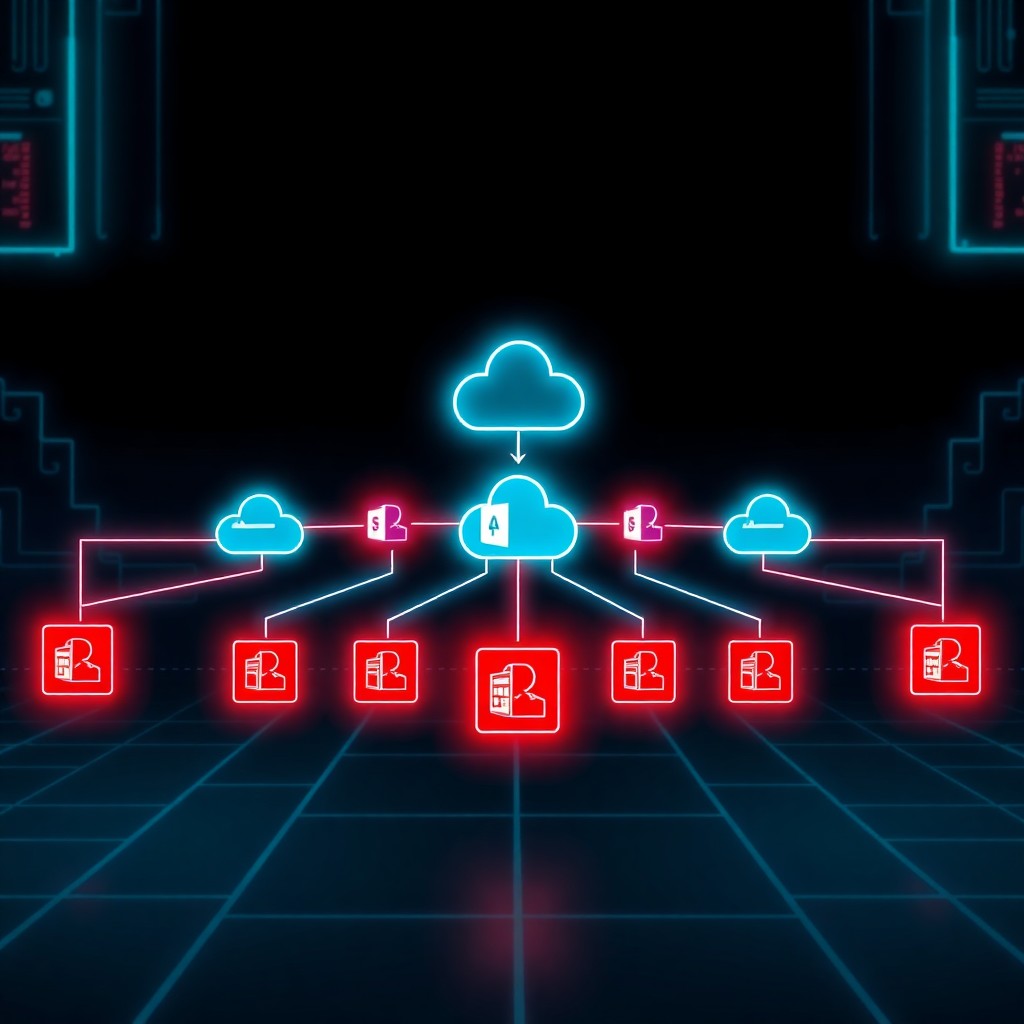
The bot verification system operates as an authentication and authorization layer specifically designed for automated participants. At its core, the mechanism validates bot identity through Azure Active Directory (Azure AD) integration and enforces organizational policies before granting meeting access.
Authentication Flow
When a bot attempts to join a Teams meeting, it must present valid credentials tied to an Azure AD application registration. The verification process follows this sequence:
1. Bot initiates meeting join request
- Teams service queries Azure AD for application identity
- System validates application credentials and permissions
- Policy engine evaluates organizational access rules
- Decision: Grant, deny, or escalate to manual approval
Policy Configuration
Administrators configure bot verification through the Teams Admin Center with granular controls:
# Example PowerShell configuration for bot policies
Set-CsTeamsMeetingPolicy -Identity "RestrictedBots"
  -AllowBotParticipation $true
  -BotVerificationRequired $true
  -AllowedBotAppIds @("app-id-1", "app-id-2")
  -RequireAdminApproval $true
Organizations can establish whitelists of approved bot applications, blacklists of known problematic bots, or implement approval workflows for unknown applications. The system supports policy inheritance, allowing different rules for various organizational units, departments, or meeting sensitivity levels.
Identity Validation
The verification mechanism leverages OAuth 2.0 tokens with specific scopes related to Teams meeting participation. Bots must possess:
- Valid Azure AD application registration
- Appropriate API permissions (OnlineMeetings.ReadWrite.All or similar)
- Organizational tenant approval
- Current, unexpired credentials
Unverified or improperly configured bots receive authentication errors and cannot access meeting resources, even if they possess meeting links or IDs.
Impact & Risk Assessment
Security Benefits
This feature significantly reduces several attack vectors. Unauthorized meeting recording—a common concern in corporate espionage and competitive intelligence gathering—becomes substantially harder when bots must authenticate through organizational controls. Social engineering attacks that rely on bot-assisted information gathering face new barriers, as threat actors cannot simply deploy disposable bot accounts to harvest participant data.
The verification system also provides audit capabilities. Organizations gain visibility into which bots are accessing meetings, when, and under what authorization. This audit trail proves invaluable for compliance requirements in regulated industries where meeting participation must be documented and controlled.
Residual Risks
However, this feature doesn’t eliminate all bot-related threats. Compromised legitimate bots—those with valid credentials but malicious intent due to supply chain attacks or insider threats—would pass verification checks. Organizations still need to vet the bots they approve and monitor their behavior during meetings.
Additionally, sophisticated attackers might attempt to:
- Compromise legitimate bot credentials through phishing or API exploitation
- Social engineer administrators into approving malicious applications
- Exploit policy misconfigurations that inadvertently permit broader access
- Target organizations that haven’t enabled verification requirements
Operational Considerations
Implementing bot verification introduces friction into workflows that depend on automated meeting participation. Organizations must inventory their current bot deployments, ensure proper Azure AD registration, and communicate changes to avoid disrupting legitimate business processes. Teams that heavily leverage meeting bots for accessibility, compliance, or productivity may require migration planning.
Vendor Response
Microsoft’s release documentation emphasizes that bot verification represents part of their broader Zero Trust security strategy for collaboration platforms. The feature rolled out gradually through Q4 2024, with enterprise customers receiving access first before broader availability.
The company provides migration guidance for organizations currently using bots without proper Azure AD integration. Microsoft recommends:
- Auditing current bot usage across the organization
- Registering all legitimate bots as Azure AD applications
- Establishing governance policies for future bot approvals
- Testing verification settings in pilot groups before full deployment
Microsoft also published updated developer documentation for bot creators, outlining authentication requirements and best practices for maintaining compliant applications. Third-party bot vendors have generally supported the change, recognizing that verification strengthens the overall ecosystem’s security posture.
Mitigations & Workarounds
Implementation Strategy
Organizations should approach bot verification deployment systematically:
Phase 1: Discovery (Weeks 1-2)
# Identify all bots currently accessing Teams meetings
Get-CsOnlineUser | Where-Object {$_.AccountType -eq "ResourceAccount"}
Phase 2: Registration (Weeks 3-4)
Ensure all legitimate bots have proper Azure AD application registrations with appropriate permissions and organizational consent.
Phase 3: Policy Definition (Week 5)
Create tiered policies based on meeting sensitivity:
- Public meetings: Lenient bot policies
- Internal meetings: Approved bot whitelist only
- Confidential meetings: No bots or manual approval required
Phase 4: Gradual Rollout (Weeks 6-8)
Enable verification for pilot groups, gather feedback, adjust policies, then expand organization-wide.
Handling Legacy Systems
Organizations with legacy bots that cannot easily integrate with Azure AD should:
- Contact vendors for authentication updates
- Implement compensating controls (manual admission, restricted meeting access)
- Document exceptions through formal risk acceptance processes
- Establish sunset timelines for non-compliant solutions
Detection & Monitoring
Audit Configuration
Enable comprehensive logging for bot authentication events:
# Configure audit logging for bot access
Set-AdminAuditLogConfig -UnifiedAuditLogIngestionEnabled $true
Search-UnifiedAuditLog -StartDate (Get-Date).AddDays(-7)
  -EndDate (Get-Date)
  -RecordType MicrosoftTeams `
  -Operations BotAddedToMeeting,BotRemovedFromMeeting
Monitoring Indicators
Security teams should monitor for:
- Failed bot authentication attempts: Multiple failures might indicate reconnaissance or credential stuffing attacks
- New bot applications: Unexpected applications requesting meeting access warrant investigation
- Policy changes: Unauthorized modifications to bot verification settings could indicate compromised admin accounts
- High-volume bot activity: Unusual patterns of bot meeting participation might suggest automated data collection
Integration with SIEM
Export Teams audit logs to your security information and event management (SIEM) platform for correlation with other security events:
Microsoft 365 Defender → Sentinel → Custom Analytics RulesCreate detection rules for suspicious patterns like bots joining meetings outside business hours, bots with names mimicking legitimate services, or bots accessing meetings they shouldn’t based on organizational structure.
Best Practices
Governance Framework
Establish clear policies governing bot usage:
- Bot Approval Process: Define who can request, approve, and deploy meeting bots
- Risk Classification: Categorize bots by risk level based on permissions and data access
- Review Cycles: Periodically audit approved bots and revoke unused or unnecessary applications
- Vendor Assessment: Evaluate third-party bot providers’ security practices before approval
Technical Hardening
Implement defense-in-depth measures:
- Conditional Access Policies: Apply location, device, and context restrictions to bot authentication
- Least Privilege: Grant bots only the minimum permissions required for their function
- Token Expiration: Configure short-lived access tokens requiring frequent re-authentication
- Multi-Factor Authentication: Where applicable, require additional verification for sensitive bot operations
User Awareness
Educate meeting organizers and participants:
- How to identify bots in participant lists
- When to escalate suspicious bot presence to security teams
- Best practices for meeting sensitivity settings
- Understanding the difference between verified and unverified bots
Incident Response
Develop playbooks for bot-related security events:
- Unauthorized Bot Detection: Immediate removal, credential rotation, forensic analysis
- Compromised Legitimate Bot: Revoke permissions, investigate data exposure, notify affected parties
- Policy Bypass Attempts: Security review of configuration, access log analysis, privilege escalation investigation
Key Takeaways
- Microsoft Teams bot verification introduces identity-based access control for automated meeting participants, addressing a significant security gap in collaboration platforms
- Organizations must balance security requirements with operational needs, ensuring legitimate bots maintain access while blocking malicious actors
- Implementation requires systematic discovery, registration, policy definition, and gradual rollout to avoid disrupting business workflows
- The feature provides valuable audit capabilities but doesn’t eliminate all bot-related risks—compromised legitimate bots remain a concern
- Success depends on establishing clear governance frameworks, technical hardening measures, user education, and robust monitoring capabilities
- Bot verification represents a shift toward Zero Trust principles in collaboration security, treating automated entities as security principals requiring verification rather than implicit trust
The introduction of bot verification reflects the maturation of cloud collaboration security. As organizations increasingly rely on digital workspaces for sensitive communications, access controls must extend beyond human users to encompass the automated agents that increasingly populate these environments. While implementation requires careful planning and ongoing governance, the security benefits—reduced unauthorized access, improved audit visibility, and better compliance posture—justify the operational investment for most organizations.
References
- Microsoft Teams Admin Documentation: Bot Policies and Verification
- Microsoft 365 Security Center: Teams Meeting Security Best Practices
- Azure Active Directory: Application Registration and OAuth 2.0 Flows
- Microsoft Tech Community: Teams Security Blog Posts
- NIST Cybersecurity Framework: Access Control Guidelines
- Cloud Security Alliance: Collaboration Platform Security Guidance
Stay updated at https://cydhaal.com — Your Daily Dose of Cyber Intelligence.
📧 Subscribe to our newsletter at https://cydhaal.com/newsletter/