







Windows 11 has finally restored several taskbar features that users have been requesting for years, marking a significant shift in Microsoft operating system interface design. While this update may seem like a simple quality-of-life improvement, it carries important implications for enterprise security, user productivity, and the overall cybersecurity landscape. Understanding how interface changes affect security practices is crucial for organizations and individual users who rely on Windows systems for daily operations.
What Happened
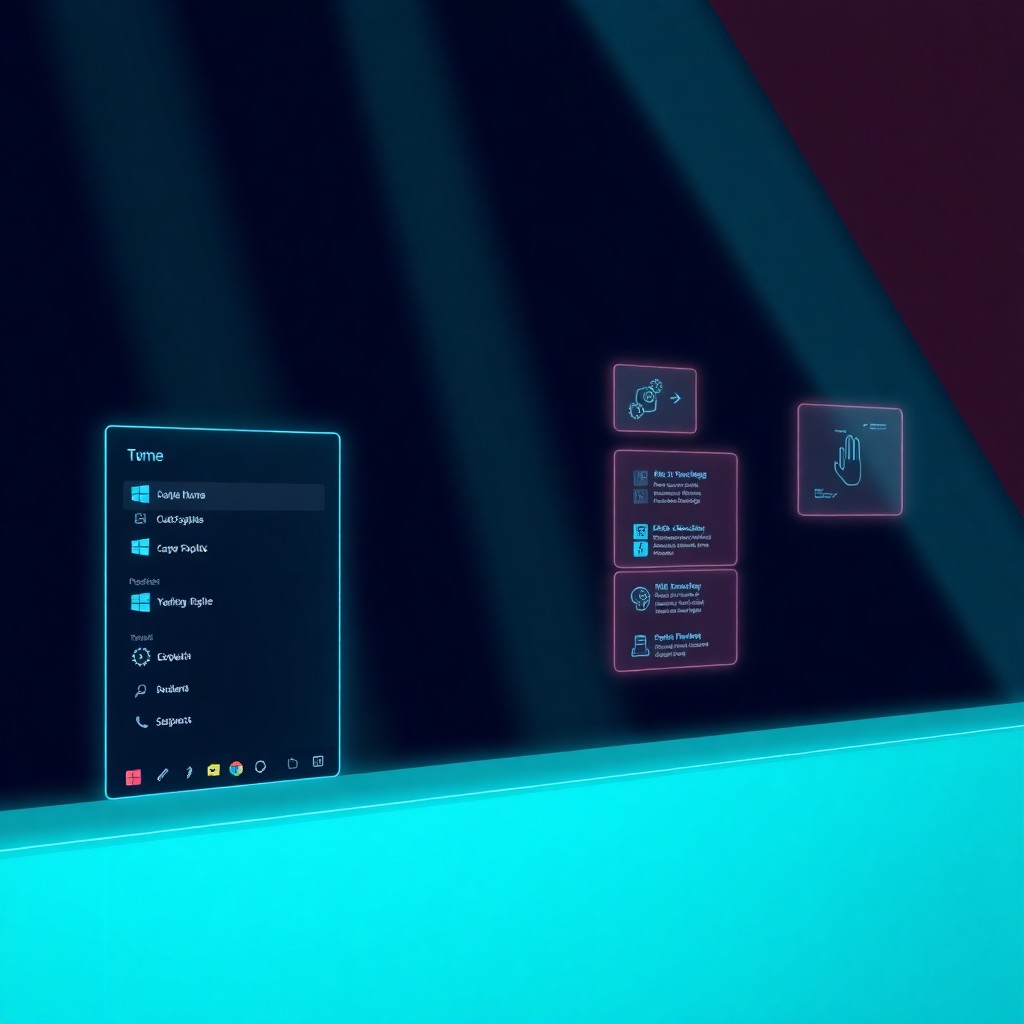
Microsoft has announced the restoration of multiple taskbar features in Windows 11 that were previously available in Windows 10 but removed during the initial rollout of the newer operating system. These features include the ability to move the taskbar to different screen positions, show labels on taskbar buttons, and access additional customization options that power users depend on for workflow optimization. The five-year gap between Windows 10 feature availability and Windows 11 restoration has been a point of contention among the user community, particularly in enterprise environments where taskbar configurations often align with security protocols and productivity standards. This update represents Microsoft listening to user feedback and acknowledging that certain interface elements serve functional purposes beyond aesthetics.
How It Works
The restored taskbar features integrate directly into Windows 11 system settings, allowing users to customize their taskbar position, appearance, and behavior through the Settings application. Users can now drag the taskbar to top, left, or right screen edges rather than being locked to the bottom position. The label display option provides text descriptions alongside application icons, which helps users quickly identify running programs and windows. From a cybersecurity perspective, these seemingly simple interface changes have meaningful implications. Security-conscious users often configure their taskbars to display specific monitoring tools, security applications, and system alerts in consistent locations. The ability to customize taskbar positioning and labeling supports security awareness by making critical applications more visible and accessible. Additionally, enterprise IT departments can now implement standardized taskbar configurations across organizational devices, ensuring that security tools and monitoring applications appear consistently for all users, reducing the risk of overlooked alerts or missed security notifications.
What You Should Do
Organizations should evaluate how these restored taskbar features can enhance their security posture and user productivity. IT administrators should consider developing standardized taskbar configurations that prioritize security tool visibility and ensure that antivirus software, VPN clients, and security monitoring applications remain prominent in the user interface. Individual users should take advantage of these customization options to create workflows that support security awareness, positioning security-related applications where they will be noticed and accessed regularly. Review your current taskbar setup and ensure that critical security tools are visible and properly labeled. If you use multiple monitors, configure each taskbar to display relevant security information for your workflow. Enterprise environments should document approved taskbar configurations and include them in security policy documentation, ensuring that new employees and system deployments follow security-conscious interface standards. Regular audits should verify that users maintain proper taskbar configurations and that security tools remain visible and accessible.
The restoration of Windows 11 taskbar features after five years demonstrates that user feedback can drive meaningful changes in operating system design. While these features may appear purely functional, they carry real implications for cybersecurity practices, user awareness, and organizational security posture. By thoughtfully implementing these customization options, both individuals and organizations can create more security-conscious computing environments.
Stay protected with CyDhaal. Follow us at cydhaal.com for daily updates.