






Hackers Deploy Exact Microsoft Teams Clone to Harvest Corporate Credentials
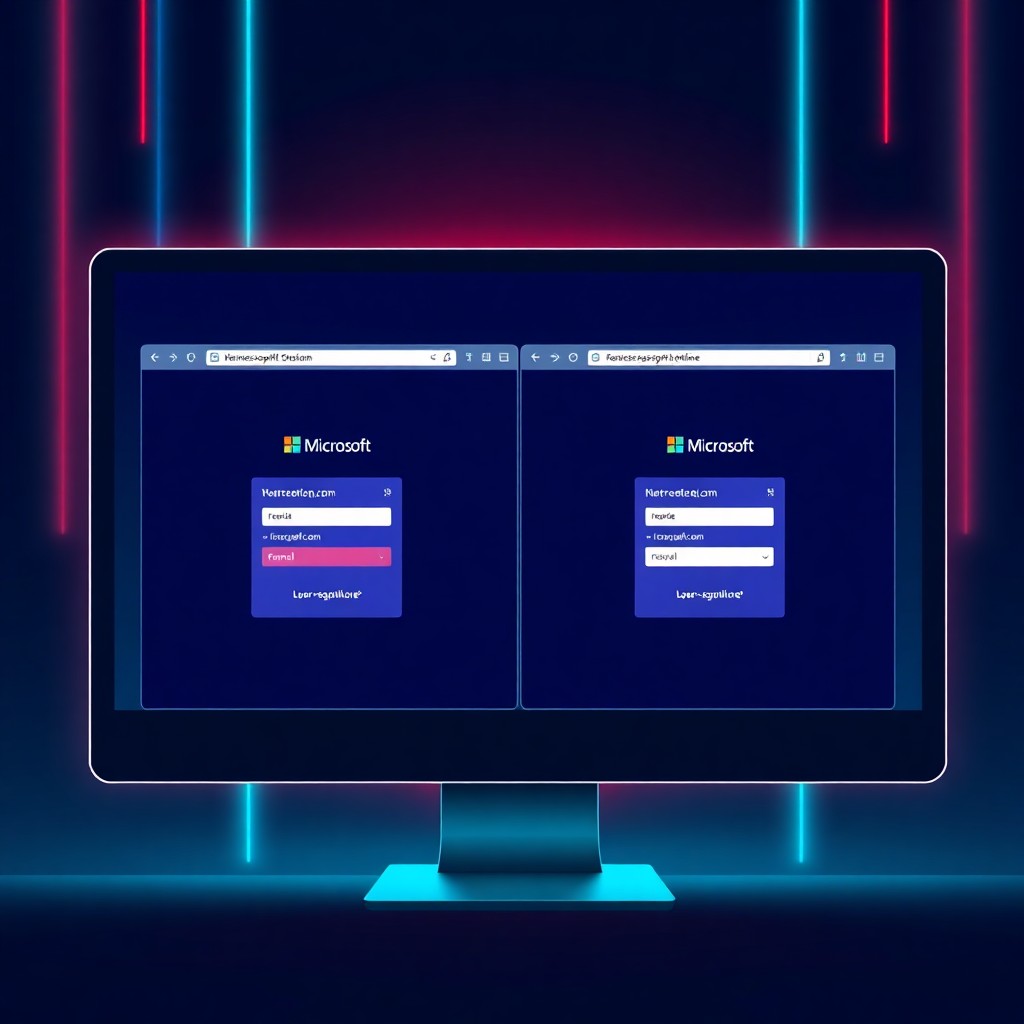
Cybercriminals have registered a deceptive domain (teams-online[.]com) that precisely replicates the Microsoft Teams login interface to steal corporate credentials. This sophisticated phishing campaign targets remote workers by exploiting their familiarity with Teams’ authentication flow. Organizations must immediately alert users about this threat, implement advanced phishing detection controls, and enforce MFA policies to prevent credential compromise. The campaign demonstrates an evolution in phishing tactics, leveraging pixel-perfect interface cloning to bypass traditional security awareness.
Introduction
A newly discovered phishing operation has successfully registered a lookalike domain that mirrors Microsoft Teams’ authentication interface with alarming accuracy. The malicious domain teams-online[.]com presents victims with an interface virtually indistinguishable from legitimate Microsoft login pages, creating a dangerous trap for unsuspecting users.
This campaign represents a significant escalation in phishing sophistication. Rather than relying on obvious visual discrepancies that trained employees might recognize, threat actors have invested in creating an exact replica of Microsoft’s user experience. The timing is particularly concerning given the widespread adoption of Teams as a primary collaboration platform for hybrid and remote workforces globally.
The attack leverages social engineering combined with technical precision, exploiting users’ routine authentication behaviors. When employees receive phishing emails directing them to urgent Teams notifications or missed messages, the combination of urgency and visual authenticity creates a potent deception mechanism.
Background & Context
Microsoft Teams has become one of the world’s most widely adopted enterprise collaboration platforms, with over 280 million monthly active users as of recent reporting. This massive user base makes it an attractive target for credential harvesting operations. Attackers recognize that compromised Teams credentials often provide access to broader Microsoft 365 environments, including email, SharePoint, OneDrive, and other critical business applications.
Lookalike domain attacks, also known as typosquatting or homograph attacks, have existed for years. However, this incident demonstrates a concerning trend where attackers combine domain deception with perfect visual cloning. Traditional phishing attempts often contained grammatical errors, misaligned logos, or poor design quality that security-aware users could identify. Modern campaigns have eliminated these telltale signs.
The registration of teams-online[.]com follows a pattern observed across multiple Microsoft-themed phishing operations. Attackers select domains that sound legitimate and plausible, often incorporating official product names with common separators or extensions. Users accustomed to Microsoft’s various domain structures for authentication and services may not immediately recognize the deception.
Previous similar campaigns have targeted Office 365 logins, OneDrive file-sharing notifications, and Outlook web access. The shift toward Teams reflects the platform’s growing centrality to business operations and communication workflows.
Technical Breakdown
The attack infrastructure begins with domain registration through privacy-protected registrar services to obscure the operators’ identities. The teams-online[.]com domain was configured with SSL/TLS certificates, enabling HTTPS connections that display the padlock icon in browsers—a security indicator many users incorrectly interpret as proof of legitimacy.
The phishing page itself clones Microsoft’s authentication interface using several technical approaches:

Attackers extracted CSS styling, JavaScript functionality, and visual assets directly from legitimate Microsoft pages. This approach ensures pixel-perfect replication without requiring extensive development work. The page dynamically adapts to different screen sizes, maintaining authenticity on mobile devices where URL verification is more difficult.
The credential harvesting mechanism operates through a simple backend script:
// Simplified harvesting logic
https://teams.microsoft.com');
?>
After victims submit credentials, the malicious page redirects them to the legitimate Teams interface. This creates a seamless experience where users may never realize their credentials were compromised, attributing any login interruption to normal authentication flows or network connectivity issues.
The delivery mechanism typically involves phishing emails crafted to appear as legitimate Teams notifications about missed messages, meeting invitations, or urgent file shares. These emails contain links pointing to the fraudulent domain, often using URL shorteners or redirect chains to obscure the final destination.
Impact & Risk Assessment
The immediate impact of successful credential theft extends far beyond Teams access. Compromised Microsoft 365 credentials grant attackers entry to:
Email Systems: Access to corporate email enables business email compromise (BEC) attacks, internal reconnaissance, and data exfiltration of sensitive communications.
File Repositories: SharePoint and OneDrive access exposes proprietary documents, financial records, customer data, and intellectual property.
Identity Expansion: Harvested credentials facilitate lateral movement within organizational networks, especially when users reuse passwords across multiple systems.
Supply Chain Risks: Compromised accounts can be weaponized to launch attacks against business partners, customers, and vendors through trusted communication channels.
The risk severity increases for organizations without enforced multi-factor authentication (MFA). While MFA doesn’t prevent credential theft, it prevents immediate unauthorized access. However, sophisticated attackers have developed MFA bypass techniques including real-time phishing proxies and session token theft.
Financial consequences include regulatory penalties for data breaches, incident response costs, business disruption during remediation, and reputational damage affecting customer trust and competitive positioning.
Vendor Response
Microsoft has not issued a specific advisory about the teams-online[.]com domain at the time of reporting. However, the company maintains ongoing efforts to combat phishing through multiple channels.
Microsoft’s Threat Intelligence Center continuously monitors for malicious domains impersonating their services and works with domain registrars and hosting providers to facilitate takedowns. The company also maintains reputation databases that flag known phishing sites in Microsoft Defender SmartScreen and other security products.
The Azure AD Identity Protection service can detect suspicious sign-in attempts from unfamiliar locations or anomalous authentication patterns following credential compromise. Organizations using Microsoft security products may receive automated alerts when harvested credentials are detected being used from unexpected contexts.
Microsoft regularly publishes security guidance emphasizing MFA adoption, conditional access policies, and user security awareness training focused on identifying phishing attempts.
Mitigations & Workarounds
Organizations must implement layered defenses to protect against this and similar threats:
Immediate Actions:
- Issue security alerts informing users about the teams-online[.]com domain
- Block the malicious domain at DNS, proxy, and firewall levels
- Search email systems for messages containing the fraudulent domain and quarantine them
Authentication Hardening:
Connect-MsolService
Get-MsolUser -All | Set-MsolUser -StrongAuthenticationRequirements $true
Conditional Access Policies:
- Restrict authentication to approved geographic locations
- Block legacy authentication protocols
- Require compliant or hybrid joined devices for access
Email Security:
- Configure advanced threat protection with URL reputation filtering
- Enable Safe Links rewriting to scan URLs at click-time
- Implement DMARC, SPF, and DKIM to prevent domain spoofing
User Controls:
- Disable external forwarding rules to prevent data exfiltration
- Implement sensitivity labels requiring MFA for sensitive document access
Detection & Monitoring
Security teams should implement comprehensive monitoring to detect compromise indicators:
Authentication Monitoring:
// Azure AD sign-in logs query for suspicious patterns
SigninLogs
| where TimeGenerated > ago(24h)
| where ResultType != 0 or RiskLevelDuring != "none"
| where AppDisplayName contains "Teams"
| summarize FailedAttempts=countif(ResultType != 0),
            SuccessfulLogins=countif(ResultType == 0) by UserPrincipalName, IPAddress
| where FailedAttempts > 5
Network Detection:
- Monitor DNS queries for newly registered domains containing Microsoft product names
- Analyze SSL certificate transparency logs for suspicious certificates matching Microsoft branding
- Track outbound connections to domains registered within the past 90 days
User Behavior Analytics:
- Flag accounts exhibiting unusual file access patterns following authentication
- Detect mass email sending from recently authenticated accounts
- Monitor for privilege escalation attempts or administrative role assignments
Endpoint Detection:
# Search browser history for suspicious domains
grep -i "teams-online" ~/.mozilla/firefox/*/places.sqlite
grep -i "teams-online" ~/Library/Application\ Support/Google/Chrome/Default/History
Best Practices
For Organizations:
Implement defense-in-depth strategies that don’t rely solely on user vigilance. Technical controls should prevent credential theft scenarios before they reach end users.
Conduct regular phishing simulations specifically replicating sophisticated attacks like lookalike domains. Track click rates and credential submission rates to measure program effectiveness.
Maintain an incident response plan specifically addressing credential compromise scenarios, including automated playbooks for password resets, session revocation, and access reviews.
Deploy password managers to reduce manual credential entry, making users less accustomed to typing credentials into browser windows.
For Users:
Always verify URLs before entering credentials. The domain should exactly match microsoft.com without additional words, hyphens, or extensions.
Bookmark official login pages and access them through bookmarks rather than email links.
Enable MFA on all accounts, preferably using authentication apps or hardware tokens rather than SMS.
Report suspicious login pages immediately to security teams, even if uncertain about their legitimacy.
Key Takeaways
- Threat actors have registered teams-online[.]com with an exact replica of Microsoft Teams’ login interface for credential theft
- The attack demonstrates evolution in phishing sophistication, eliminating traditional visual indicators of fraud
- Compromised Microsoft 365 credentials provide attackers with access to email, files, and broader organizational resources
- Organizations must enforce MFA, implement conditional access policies, and deploy advanced email filtering
- Security teams should monitor authentication logs for suspicious patterns and block known malicious domains
- User education remains important but cannot be the sole defense against increasingly sophisticated phishing operations
- Regular security awareness training should incorporate examples of modern, visually perfect phishing attempts
References
- Microsoft Security Blog: Phishing Trends and Mitigation
- Azure AD Identity Protection Documentation
- CISA Phishing Guidance for Microsoft 365 Environments
- MITRE ATT&CK T1566: Phishing
- Anti-Phishing Working Group (APWG) Reports
- Domain Name System Security Extensions (DNSSEC) Implementation Guide
Stay updated at https://cydhaal.com — Your Daily Dose of Cyber Intelligence.
📧 Subscribe to our newsletter at https://cydhaal.com/newsletter/