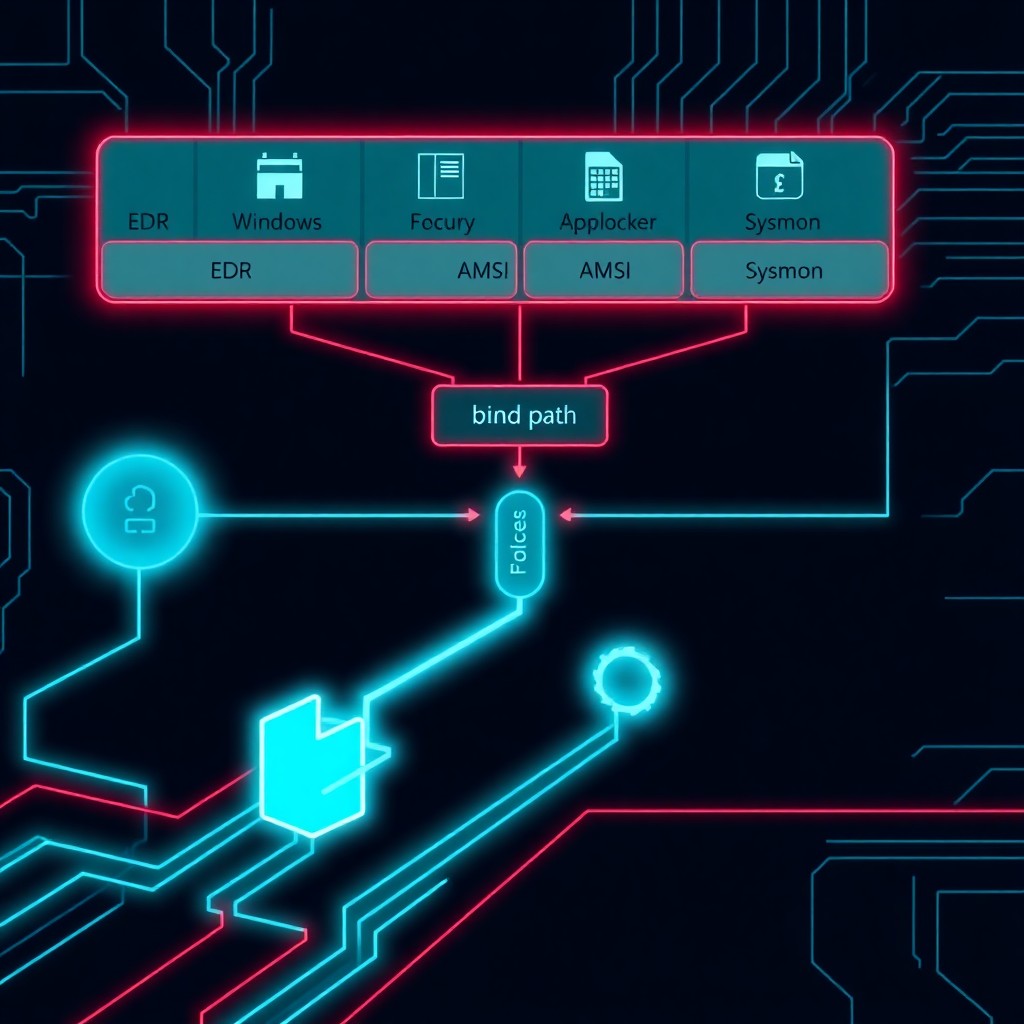
A sophisticated Windows exploitation technique leveraging bind links allows attackers to bypass critical security controls including Endpoint Detection and Response (EDR) systems, Anti-Malware Scan Interface (AMSI), AppLocker, and Sysmon monitoring. By manipulating Windows’ native bind link functionality—typically used for legitimate directory management—threat actors can create filesystem structures that confuse security tools, hide malicious payloads, and execute code while evading detection. This technique requires no elevated privileges for initial setup and exploits fundamental assumptions in how security software monitors file operations.
Introduction
Windows bind links, a lesser-known filesystem feature introduced for directory junction management, have emerged as a powerful evasion mechanism capable of undermining multiple layers of enterprise security infrastructure. Security researchers have documented how attackers weaponize this legitimate Windows functionality to create opaque filesystem relationships that security tools fail to properly monitor.
Unlike traditional symbolic links or hard links, bind links create bidirectional directory mappings that operate at a lower level within the NTFS filesystem. When properly configured, these links create filesystem blind spots that EDR agents cannot effectively monitor, AMSI cannot scan, and AppLocker cannot properly evaluate for policy enforcement.
This technique represents a critical evolution in defense evasion tactics, exploiting the gap between Windows’ complex filesystem capabilities and security vendors’ ability to monitor them comprehensively.
Background & Context
Windows bind links utilize the CreateSymbolicLink and DeviceIoControl APIs with specific flags to create directory junctions that behave differently from standard symbolic links. Originally designed for Volume Shadow Copy services and system directory management, bind links allow two directories to share the same underlying filesystem location while appearing as separate entities to applications.
Traditional security tools monitor file operations through filesystem filter drivers, ETW (Event Tracing for Windows) providers, and kernel callbacks. However, bind links can create scenarios where file access occurs through one path while security monitoring occurs on another—or doesn’t occur at all if the tool doesn’t recognize the relationship.
The problem intensifies because bind links can be created without administrative privileges in user-writable locations, making them accessible to standard user accounts and initial access malware. Once established, these links create persistent evasion infrastructure that remains effective across reboots.
Previous evasion techniques targeting individual security controls have been well-documented, but bind link abuse simultaneously impacts multiple security layers, making it particularly dangerous for coordinated attack campaigns.
Technical Breakdown
Bind link creation requires calling the DeviceIoControl function with the FSCTL_SET_REPARSE_POINT control code and specific reparse tag values. The attacker creates a reparse point that doesn’t follow standard symbolic link semantics:
$reparseData = [byte[]]::new(0x1000)
$handle = [Kernel32]::CreateFile($targetPath, [FileAccess]::Write,
    [FileShare]::ReadWrite, [IntPtr]::Zero, [FileMode]::Open,
    0x02000000, [IntPtr]::Zero)
[Kernel32]::DeviceIoControl($handle, 0x900A4, $reparseData,
    $reparseData.Length, [IntPtr]::Zero, 0, [ref]$bytesReturned,
    [IntPtr]::Zero)
The evasion mechanism operates through several attack vectors:
EDR Bypass: EDR agents typically hook specific directories or apply monitoring rules based on file paths. When malicious code executes through a bind link, the monitored path differs from the execution path. The EDR sees activity in a benign location while malicious operations occur elsewhere.
AMSI Evasion: AMSI scans PowerShell scripts and other dynamic code before execution by intercepting content at specific API boundaries. Bind links can cause AMSI to scan content from one location while the PowerShell engine loads and executes from another, creating a time-of-check/time-of-use (TOCTOU) vulnerability.
# Attacker creates bind link
cmd /c mklink /J C:\Users\Public\Temp C:\Windows\System32\WindowsPowerShell\v1.0

# AMSI scans the junction target while execution pulls from bound location
powershell.exe -File C:\Users\Public\Temp\malicious.ps1
AppLocker Bypass: AppLocker evaluates execution policies based on file paths and publisher certificates. Bind links allow attackers to execute from paths that appear to be in allowed locations while the actual code resides in restricted zones.
Sysmon Evasion: Sysmon relies on filesystem path information for logging. Bind links create discrepancies between logged paths and actual execution locations, breaking detection logic that depends on accurate path information.
Impact & Risk Assessment
The impact of bind link abuse extends across multiple risk dimensions:
Detection Blindness: Organizations relying on EDR telemetry for threat detection face significant gaps. Attacks leveraging this technique can operate undetected within environments that appear to have comprehensive monitoring coverage.
Policy Bypass: Application control policies become ineffective when attackers can manipulate path evaluation. This undermines a fundamental security control for preventing unauthorized code execution.
Forensic Challenges: Post-incident investigations become complicated when filesystem relationships don’t match logged data. Attribution and timeline reconstruction suffer when paths in logs don’t correspond to actual file locations.
Privilege Escalation Potential: While initial bind link creation doesn’t require privileges, the technique can facilitate privilege escalation by bypassing User Account Control (UAC) prompts and executing elevated payloads without triggering alerts.
Lateral Movement: Attackers can use bind links to stage tools and payloads that evade network-based detection systems during lateral movement operations.
The technique’s severity is amplified by its applicability across Windows versions from Windows 7 through Windows 11, affecting both client and server deployments. Any organization using affected security tools faces potential exposure.
Vendor Response
Microsoft has acknowledged the technique but classifies it as “expected functionality” rather than a vulnerability, as bind links operate according to design specifications. The company emphasizes that security vendors must enhance their monitoring capabilities to account for filesystem complexity.
Major EDR vendors have begun implementing updates:
CrowdStrike released enhanced filesystem monitoring in Falcon sensor version 6.53 that tracks reparse point operations and correlates bind link relationships with execution events.
Microsoft Defender for Endpoint added detection capabilities in platform version 4.18.23110 to identify suspicious bind link creation patterns and flag execution through non-standard filesystem paths.
SentinelOne deployed behavioral detection rules that identify bind link creation followed by code execution, treating this sequence as potentially malicious activity.
Elastic Security updated their detection rules repository with queries specifically targeting bind link abuse patterns.
However, vendor responses remain inconsistent, and many security products have not addressed the technique comprehensively. Organizations using multiple security tools may find coverage gaps even after vendor updates.
Mitigations & Workarounds
Organizations should implement layered defenses to mitigate bind link abuse:
Filesystem Auditing: Enable comprehensive filesystem auditing through Group Policy to log reparse point creation:
auditpol /set /subcategory:"File System" /success:enable /failure:enableRestrict Reparse Point Creation: Use filesystem ACLs to limit who can create reparse points in sensitive locations:
$acl = Get-Acl "C:\Users\Public"
$acl.SetAccessRuleProtection($true, $false)
$rule = New-Object System.Security.AccessControl.FileSystemAccessRule(
    "BUILTIN\Users", "CreateDirectories, CreateFiles", "Deny")
$acl.AddAccessRule($rule)
Set-Acl "C:\Users\Public" $acl
Application Whitelisting Enhancement: Implement hash-based or certificate-based whitelisting rather than path-based policies to prevent AppLocker bypasses.
PowerShell Constrained Language Mode: Force PowerShell into Constrained Language Mode to limit the attack surface for AMSI evasion:
[Environment]::SetEnvironmentVariable("__PSLockdownPolicy", "4", "Machine")Behavioral Monitoring: Deploy detection rules that flag unusual patterns such as reparse point creation followed by script execution or network connections.
Detection & Monitoring
Security teams should implement monitoring for bind link abuse through multiple data sources:
Sysmon Configuration: Add Sysmon rules to detect reparse point manipulation:
\$REPARSE_POINT\
PowerShell Script Block Logging: Enable comprehensive PowerShell logging to capture attempts to create or interact with bind links:
Set-ItemProperty -Path "HKLM:\Software\Policies\Microsoft\Windows\PowerShell\ScriptBlockLogging"
    -Name "EnableScriptBlockLogging" -Value 1
EDR Query Development: Create custom queries to identify suspicious bind link activity:
-- Example query for identifying bind link creation followed by execution
SELECT * FROM processes
WHERE parent_path LIKE '%\cmd.exe'
  AND cmdline LIKE '%mklink%/J%'
  AND timestamp < (
    SELECT MIN(timestamp) FROM processes
    WHERE path LIKE '%powershell.exe%'
  ) + 300
Baseline Legitimate Use: Inventory legitimate bind links in your environment to distinguish normal operations from malicious activity.
Best Practices
Security teams should adopt these practices to reduce exposure:
- Defense in Depth: Don't rely on any single security control. Layer EDR, AMSI, AppLocker, and network monitoring to create overlapping coverage.
- Least Privilege: Restrict user permissions to minimize the locations where bind links can be created. Standard users should not have write access to system paths.
- Regular Security Tool Updates: Maintain current versions of all security products to ensure the latest detection capabilities are deployed.
- Threat Hunting: Proactively search for bind links in unexpected locations, particularly in user-writable directories.
- Incident Response Planning: Update IR playbooks to include filesystem structure analysis when investigating suspicious activity.
- Security Awareness: Educate security staff about advanced evasion techniques so they recognize indicators during investigations.
- Vendor Engagement: Work with security vendors to understand their specific capabilities and limitations regarding filesystem monitoring.
Key Takeaways
- Windows bind links provide attackers with a powerful evasion mechanism that simultaneously bypasses multiple security controls including EDR, AMSI, AppLocker, and Sysmon.
- The technique exploits legitimate Windows functionality and requires no special privileges for initial deployment, making it accessible to a wide range of threat actors.
- Microsoft considers this expected behavior rather than a vulnerability, placing the burden on security vendors and defenders to adapt their monitoring approaches.
- Effective mitigation requires layered defenses combining filesystem restrictions, enhanced auditing, behavior-based detection, and updated security tooling.
- Organizations should proactively hunt for suspicious bind links and update detection rules to identify this evasion technique before it's used in active attacks.
- The gap between Windows' filesystem complexity and security tools' monitoring capabilities represents an ongoing challenge requiring continuous adaptation from defenders.
References
- Microsoft Documentation: Reparse Points and File Operations
- MITRE ATT&CK Technique T1564: Hide Artifacts
- Windows Internals: NTFS Filesystem Architecture
- EDR Vendor Security Bulletins (CrowdStrike, Microsoft, SentinelOne, Elastic)
- Sysmon Configuration Reference Guide
- PowerShell Security Best Practices (Microsoft)
Stay updated at https://cydhaal.com — Your Daily Dose of Cyber Intelligence.
📧 Subscribe to our newsletter at https://cydhaal.com/newsletter/