






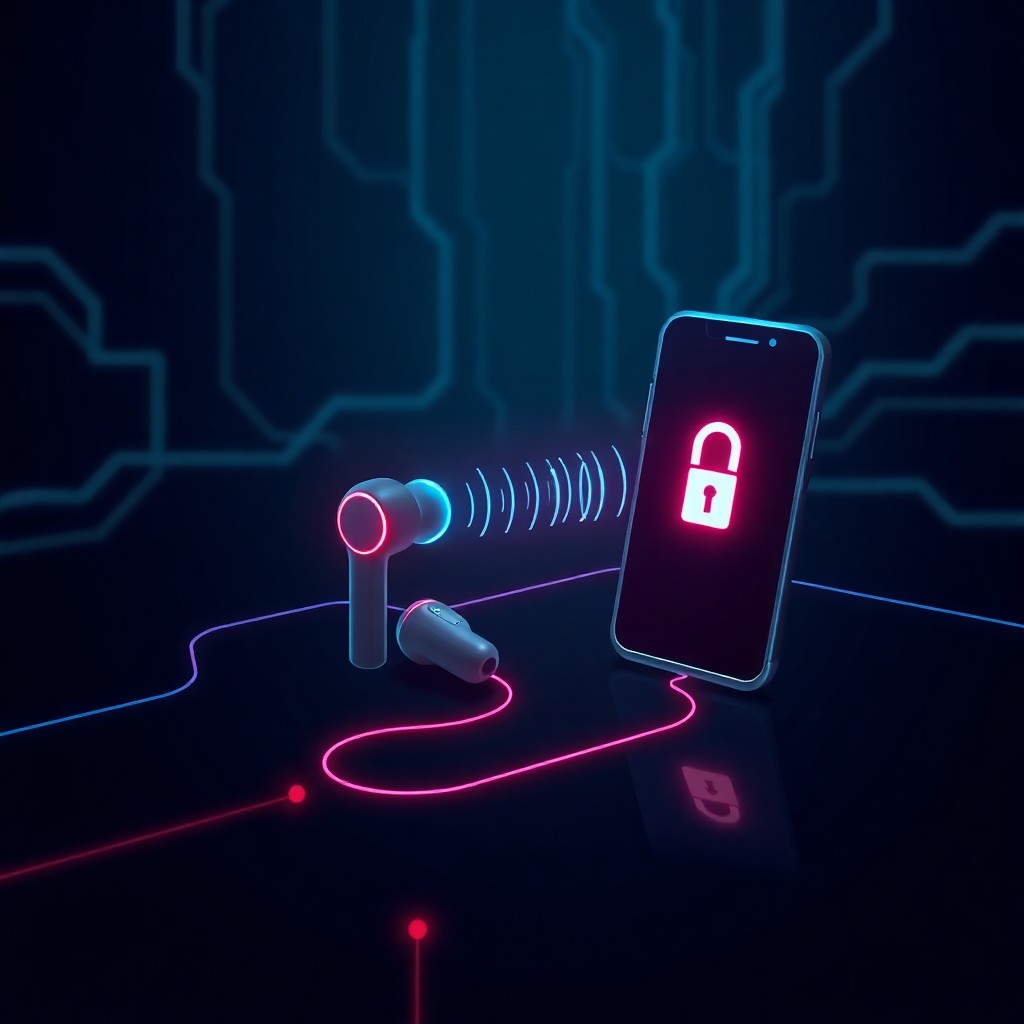
Apple has released a firmware update addressing a critical vulnerability in Beats Studio Buds and Beats Studio Buds+ that allowed nearby attackers to hijack the microphone and eavesdrop on users. The flaw (CVE-2024-54537) affected the Bluetooth pairing process, enabling unauthorized access within Bluetooth range without user interaction. Users should immediately update to firmware version 6B34 for Studio Buds and 6F72 for Studio Buds+ to eliminate this privacy risk.
Introduction
Apple has quietly patched a serious security vulnerability affecting its popular Beats Studio Buds wireless earbuds that could allow nearby attackers to remotely activate the device’s microphone and listen in on private conversations. The vulnerability, tracked as CVE-2024-54537, exploited weaknesses in the Bluetooth pairing mechanism to gain unauthorized access to the audio input capabilities of affected devices.
This disclosure highlights the growing attack surface of wireless audio devices and the critical privacy implications when these everyday accessories are compromised. With millions of Beats Studio Buds in circulation globally, the potential scope of exploitation was significant, though Apple has not disclosed any evidence of active exploitation in the wild.
The vulnerability affected both Beats Studio Buds and Beats Studio Buds+, requiring only that an attacker be within Bluetooth range of a vulnerable device to potentially execute the attack.
Background & Context
Beats Studio Buds, acquired by Apple in 2014 through its Beats Electronics purchase, have become ubiquitous wireless audio accessories used in homes, offices, gyms, and public spaces worldwide. These devices integrate deeply with Apple’s ecosystem while also supporting Android devices, making them attractive targets for security research.
Bluetooth-based attacks against wireless earbuds represent an evolving threat category. Unlike traditional network-based attacks, Bluetooth exploitation requires physical proximity—typically within 10-30 meters depending on environmental factors and device capabilities. However, this proximity requirement hasn’t prevented serious security incidents involving wireless accessories.
The vulnerability class affecting the Beats Studio Buds relates to authentication flaws in the Bluetooth pairing process. When implemented incorrectly, pairing protocols can allow attackers to bypass security controls and establish unauthorized connections to devices, potentially gaining access to audio streams, microphones, or other device capabilities.
Previous vulnerabilities in wireless audio devices have demonstrated similar attack patterns. In 2019, researchers discovered flaws in various Bluetooth implementations that allowed eavesdropping and injection attacks. The “KNOB” (Key Negotiation of Bluetooth) attack in 2019 exposed fundamental weaknesses in Bluetooth’s encryption key negotiation.
Technical Breakdown
CVE-2024-54537 stems from an authentication bypass vulnerability in the Bluetooth pairing mechanism used by Beats Studio Buds and Beats Studio Buds+. The flaw allowed attackers to circumvent normal pairing requirements and establish unauthorized connections to the earbuds.
The attack vector operates as follows:
Attack Prerequisites:
- Attacker within Bluetooth range (typically 10-30 meters)
- Target Beats Studio Buds or Beats Studio Buds+ powered on
- No user interaction required on target device
Exploitation Process:
The vulnerability exploited weaknesses in how the earbuds validated pairing requests. Under normal circumstances, Bluetooth pairing requires mutual authentication between devices. However, the flaw allowed specially crafted pairing requests to bypass authentication checks.
# Conceptual attack flow
- Attacker scans for vulnerable Beats devices via Bluetooth
- Attacker sends malformed pairing request
- Authentication bypass occurs due to validation flaw
- Unauthorized Bluetooth connection established
- Attacker gains access to microphone input stream
Once the unauthorized connection was established, the attacker could activate the device’s microphone and receive audio input without any visible indication to the victim. This created a covert surveillance capability limited only by Bluetooth range and battery life.
The vulnerability required no physical access to the device and no prior knowledge of pairing codes or authentication credentials. The attack could be executed silently without triggering notifications or alerts on connected smartphones or tablets.
Apple’s security bulletin indicates the root cause was an “authentication issue” that was “addressed with improved state management.” This suggests the flaw involved improper handling of connection states during the pairing process, allowing attackers to manipulate state transitions and gain unauthorized access.
Impact & Risk Assessment
Severity: High
The vulnerability carries significant privacy implications despite its proximity-based attack vector. Key risk factors include:
Privacy Exposure:
Users in shared spaces—offices, cafeterias, public transportation, gyms—face the highest risk. An attacker could position themselves nearby and activate the microphone to eavesdrop on confidential conversations, business meetings, or personal discussions.
Attack Scenarios:
- Corporate espionage targeting executives or employees with access to sensitive information
- Surveillance of individuals in public or semi-public spaces
- Stalking scenarios where attackers can maintain proximity to targets
- Competitive intelligence gathering in business environments
Affected Populations:
- Beats Studio Buds users across all firmware versions prior to 6B34
- Beats Studio Buds+ users across all firmware versions prior to 6F72
- Both iOS and Android users equally affected
Mitigating Factors:
- Proximity requirement limits large-scale exploitation
- No evidence of active exploitation disclosed
- Attack requires attacker to maintain Bluetooth range
- Firmware update available to eliminate vulnerability
The CVSS score has not been publicly disclosed, but the combination of low attack complexity, no user interaction requirement, and high privacy impact suggests a score in the 7.0-8.0 range.
Vendor Response
Apple addressed CVE-2024-54537 through firmware updates released as part of its regular security update cycle. The company’s response demonstrates its standard approach to accessory vulnerabilities:
Official Fix:
- Beats Studio Buds: Firmware version 6B34
- Beats Studio Buds+: Firmware version 6F72
Apple’s security advisory states: “An authentication issue was addressed with improved state management.” This succinct description follows Apple’s typical minimal-disclosure policy for patched vulnerabilities.
The company has not disclosed:
- The identity of the researcher who discovered the flaw
- Whether the vulnerability was found internally or reported externally
- Any evidence of exploitation attempts
- Technical details beyond the brief advisory statement
Apple’s timeline for the patch appears consistent with responsible disclosure practices, though exact dates between discovery and patch release were not publicized.
The vendor has not issued any compensatory controls or temporary mitigations, relying entirely on the firmware update to resolve the issue.
Mitigations & Workarounds
Primary Mitigation:
Update firmware immediately to patched versions:
# For iOS users:
- Place Beats Studio Buds in charging case
- Keep case open near iPhone
- Navigate to Settings > Bluetooth
- Tap (i) icon next to Beats Studio Buds
- Select "Firmware Update" if available
- Allow update to complete (approximately 5-10 minutes)
For Android users, the process varies by device but typically involves:
1. Open Beats app on Android device
- Connect Beats Studio Buds
- Navigate to device settings within app
- Check for firmware updates
- Install available updates
Verification:
Confirm your firmware version:
- iOS: Settings > Bluetooth > (i) icon > Firmware Version
- Android: Beats app > Connected device > About
Pre-Patch Workarounds:
For users unable to immediately update:
- Power off devices when not in use – Completely power down earbuds rather than leaving them in standby mode
- Disable Bluetooth when not needed – Turn off Bluetooth on paired devices in sensitive environments
- Physical security – Store earbuds in charging case when not actively using them
- Environmental awareness – Avoid using earbuds in high-risk environments (sensitive business meetings, confidential discussions) until patched
No effective workaround exists that allows continued normal use while eliminating the vulnerability. Firmware update is the only complete remediation.
Detection & Monitoring
Detecting exploitation of CVE-2024-54537 presents significant challenges due to the nature of Bluetooth attacks and limited logging capabilities in wireless earbuds.
Detection Limitations:
Beats Studio Buds do not maintain detailed security logs accessible to users. Unauthorized connections may leave no forensic evidence on the earbuds themselves.
Indicators of Potential Compromise:
- Unexpected battery drain – Unauthorized microphone access increases power consumption
- Unusual Bluetooth connection notifications – Brief connection alerts that appear and disappear
- Interference with normal pairing – Difficulty maintaining stable connections to legitimate devices
Network-Level Monitoring:
Organizations concerned about this attack vector in corporate environments can implement:
# Bluetooth monitoring using btmon (Linux)
sudo btmon | grep -i "beats"

# Log all Bluetooth pairing events
sudo btmon --write /var/log/bluetooth-monitor.log
Mobile Device Monitoring:
On iOS devices, check Bluetooth connection history:
- Settings > Privacy & Security > Analytics & Improvements > Analytics Data
- Search for “bluetooth” or “beats” in crash logs
Environmental Controls:
For high-security environments:
- Implement Bluetooth detection systems to identify unauthorized devices
- Use Bluetooth jammers in classified areas (where legally permitted)
- Establish device-free zones for sensitive conversations
Post-Incident Investigation:
If compromise is suspected:
- Review connected device logs for unexpected Bluetooth pairing events
- Check for unfamiliar devices in Bluetooth pairing history
- Consider factory reset of earbuds after firmware update
Best Practices
Device Security Hygiene:
- Enable automatic updates – Configure devices to automatically install firmware updates when available
- Regular update checks – Manually verify firmware versions monthly for all wireless accessories
- Inventory management – Maintain a list of all Bluetooth devices and their current firmware versions
Operational Security:
- Environment-appropriate device use – Avoid using wireless earbuds during highly sensitive conversations
- Bluetooth discipline – Disable Bluetooth when not actively needed
- Physical security – Store devices securely when not in use
Privacy Protection:
Security Checklist for Wireless Earbuds:
☐ Firmware updated to latest version
☐ Unnecessary pairing permissions removed
☐ Bluetooth disabled when not in use
☐ Regular security audit of paired devices
☐ Awareness of proximity-based threats
Organizational Policies:
For enterprises:
- Develop acceptable use policies for personal wireless audio devices
- Implement Bluetooth security scanning in sensitive areas
- Provide corporate-managed audio devices with verified security configurations
- Include wireless accessories in mobile device management (MDM) policies
Privacy-First Mindset:
- Assume microphone-enabled devices can potentially be compromised
- Practice conversation hygiene in shared spaces
- Use wired alternatives for highly confidential discussions
- Regularly audit Bluetooth connections on all devices
Key Takeaways
- Critical vulnerability patched: CVE-2024-54537 allowed nearby attackers to hijack Beats Studio Buds microphones without user interaction
- Update immediately: Firmware 6B34 (Studio Buds) and 6F72 (Studio Buds+) eliminate the vulnerability completely
- Proximity-based threat: Attack requires Bluetooth range but no physical access or authentication
- Privacy implications: Vulnerable devices could be turned into covert listening devices in shared spaces
- No evidence of exploitation: Apple has not disclosed any active attacks using this vulnerability
- Broader lessons: Wireless accessories expand attack surface and require regular security updates like any other connected device
- Defense requires action: No automatic update; users must manually initiate firmware installation
References
- Apple Security Updates – Beats Firmware Updates: https://support.apple.com/en-us/HT201222
- CVE-2024-54537 – NVD Database Entry (pending publication)
- Apple Beats Studio Buds Support Documentation: https://support.apple.com/beats-studio-buds
- Bluetooth SIG Security Updates: https://www.bluetooth.com/learn-about-bluetooth/key-attributes/bluetooth-security/
- NIST National Vulnerability Database: https://nvd.nist.gov/
Stay updated at https://cydhaal.com — Your Daily Dose of Cyber Intelligence.
📧 Subscribe to our newsletter at https://cydhaal.com/newsletter/